






Weekly Planner for Toddlers
A free, printable visual schedule your toddler can actually read — drag picture activities onto each day, mark today, personalize with your child's name, and print. No account, no app. Saved on this phone or computer.
Build your week
Tap an activity to select it, then tap a day to place it. Everything saves as you go. Drag an activity onto a day, or tap it and then tap a day to place it. Everything saves as you go.
Describe your week
AIType your week in your own words — like "Mondays are school, swimming every Friday, grandma on Sunday." Then keep going: "move music to Tuesday", "clear Sunday".
Choose a print style
Tap to place here
Drop activities
here
Tap to place here
Drop activities
here
Tap to place here
Drop activities
here
Tap to place here
Drop activities
here
Tap to place here
Drop activities
here
Tap to place here
Drop activities
here
Tap to place here
Drop activities
here
activities planned ·
How it works
Three steps from a blank week to a routine your toddler can follow.
-
1
Drag in activities
Pick from picture activities — meals, nap, school, playground, swimming — and drag them onto each day. Little kids read the pictures, not the words.
-
2
Personalize the week
Add your child's name, tap a day to mark today, and use "Every day" for the routines that repeat — like brushing teeth or the water bottle.
-
3
Print it out
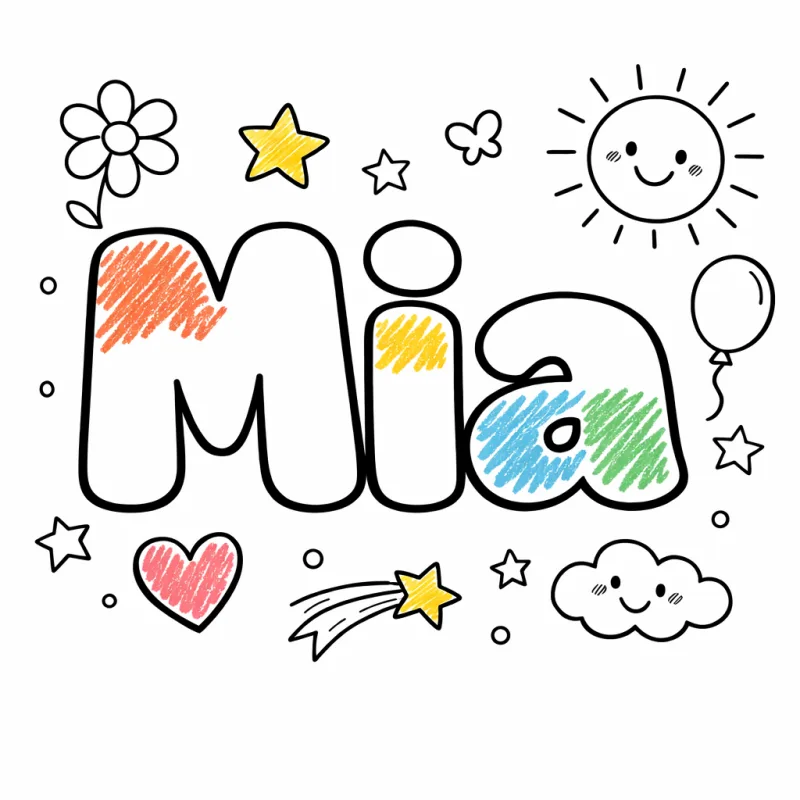
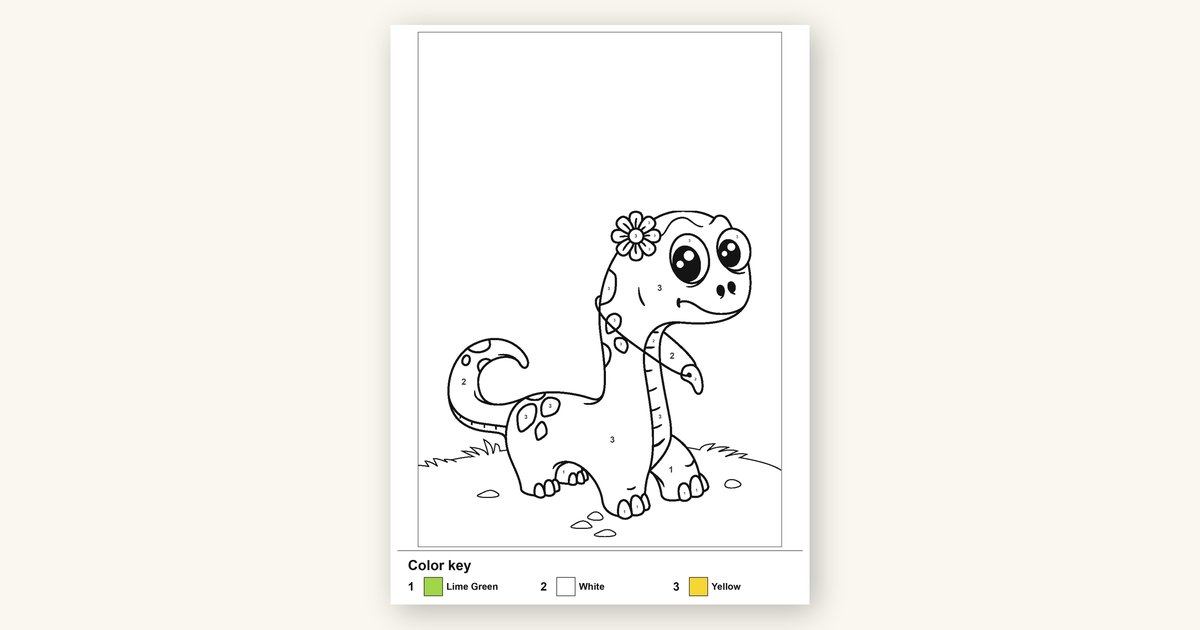
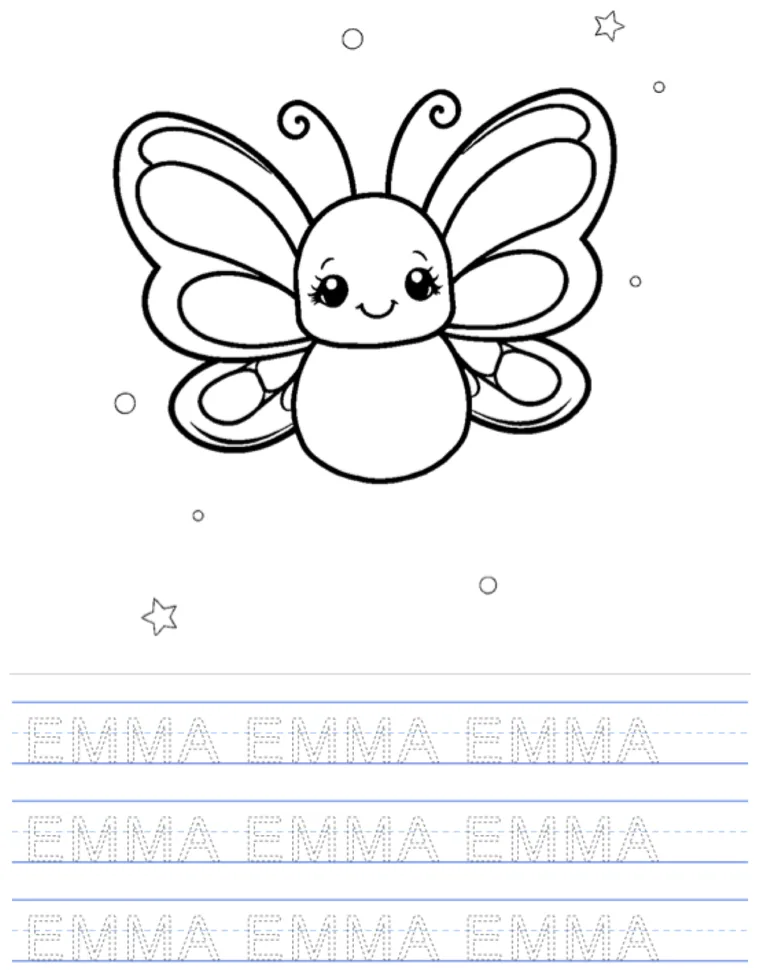
Print the finished week for the fridge — or a cut-out version your child can rearrange with velcro, or a black-and-white version they color in themselves.
A week at a glance
Bright, friendly picture activities your toddler recognizes instantly — here's a taste of the library you build from.


Made for the daily routine
A predictable week, built in a couple of minutes.
For parents
Toddler meltdowns often come from not knowing what's next. A picture schedule on the fridge gives your child a sense of order and control — fewer surprises, fewer battles, and a calmer transition from one activity to the next.
For Montessori homes
The prepared environment is all about independence. A visual weekly plan lets a child see their own day, anticipate it, and take ownership of it — exactly the kind of freedom-within-structure Montessori is built on.
For daycares & preschools
Print a fresh week for the room, or one per child. Picture schedules support every kid — including pre-readers and children who thrive on routine — without a single licensed clip-art pack to buy.
It lives where your family lives
See it on the fridge
Print it once and it becomes part of the kitchen, the playroom, the morning. A routine your toddler can actually see — and feel in control of.
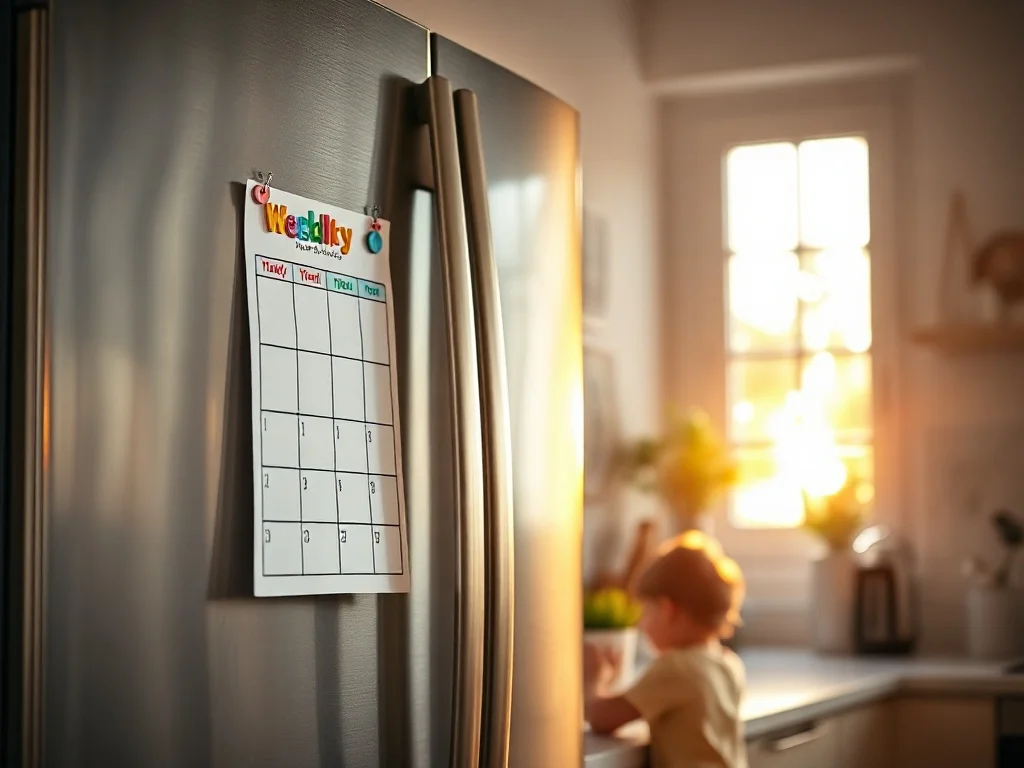
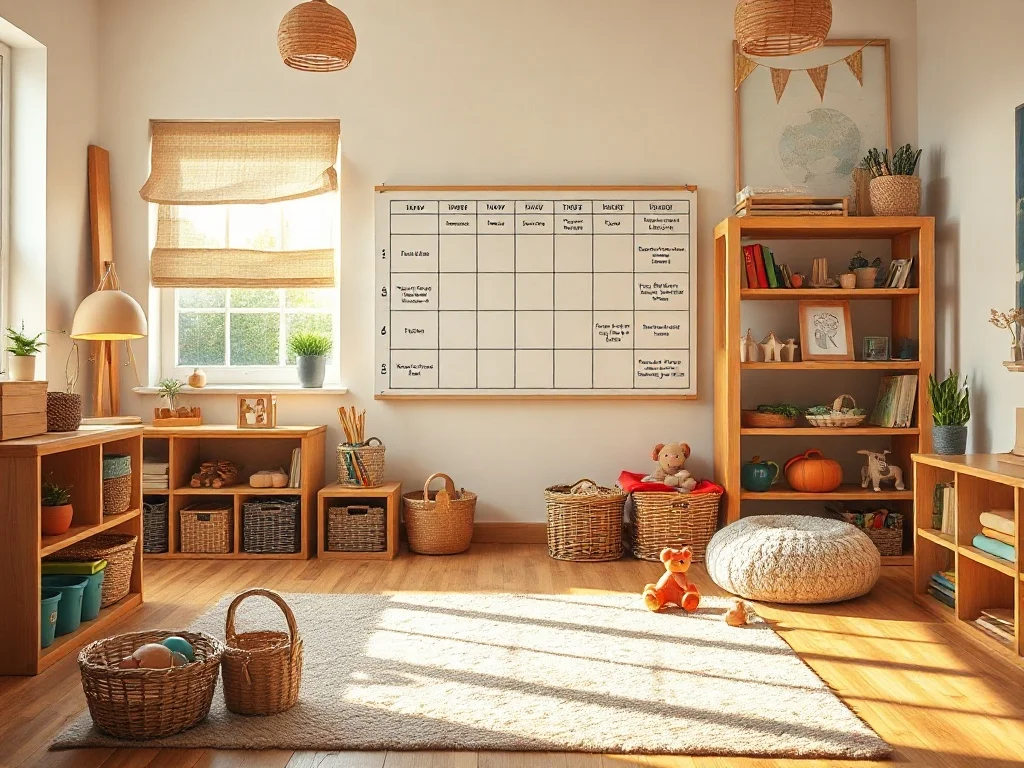
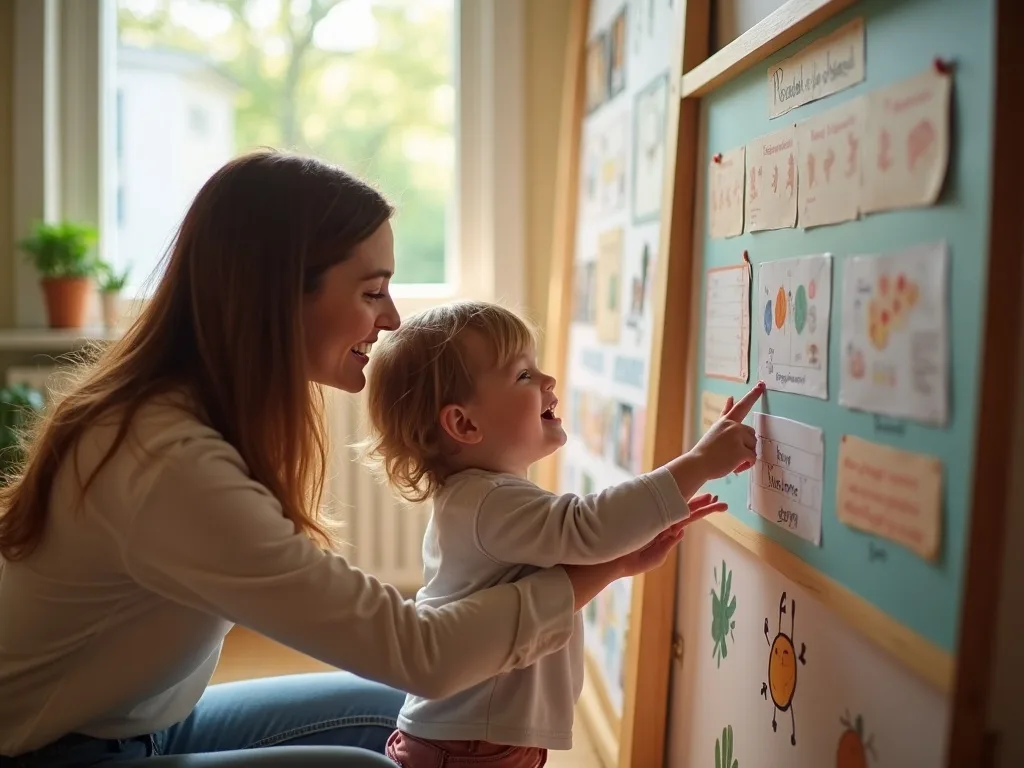
Print a filled week for the fridge, or a cut-out version your child rearranges each morning. Build yours free →
Build once, reuse every week
Print it once, rearrange it forever
The most-loved version isn't fixed at all. Print a blank weekly grid plus a sheet of cut-out activity cards, and your child builds the week with their own hands — every week.
-
1
Print the grid + cards
Print a blank Mon–Sun grid and a sheet of matching activity cards. Laminate them once for a set that lasts the whole year.
-
2
Add velcro or magnets
Stick a dot of velcro (or a magnet) on each card and on the grid. Now the cards move — onto the fridge, a board, or the laminated grid.
-
3
Let them build the week
Each morning your child places today's cards themselves. It turns the schedule into a hands-on Montessori activity instead of a poster they ignore.
All three print modes are live — build your week above and hit Print. Sign in (free) to save your week and reprint it any time.
Frequently asked questions
Everything parents ask before their first week.
Is the weekly planner free?
Do I need to download anything?
What makes this a Montessori-style planner?
What ages is this for?
Can I use the same activity every day?
Can I print it?
Will it work on my phone or tablet?
Can I personalize it with my child's name?
How is this different from a paper chore chart?
Is my data private?
More free printables for parents
All the screens-off, parent-tested tools in one place.
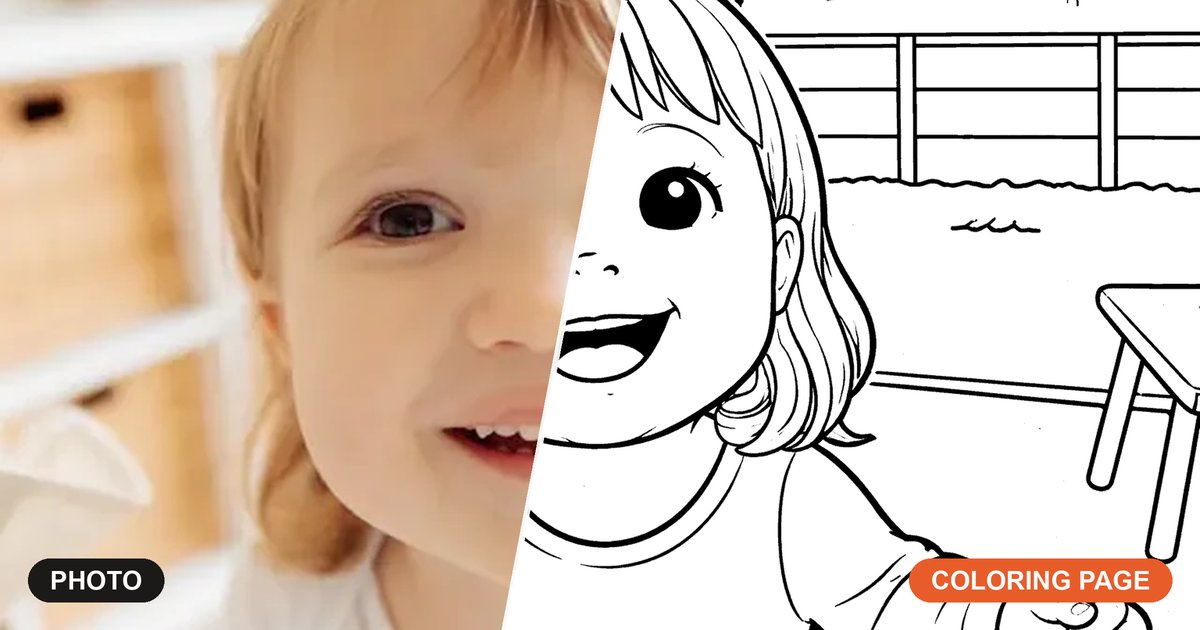
Photo to coloring page
Turn any photo into a free, printable coloring page in seconds — then make a whole coloring book.
Toddler timer
A friendly visual timer for transitions, clean-up, and turn-taking.
Birthday party checklist
A printable, parent-tested checklist so nothing gets forgotten before the big day.
Calling cards for kids
Printable cards your kid hands out at the park — photo, friendly note, and a QR code back to you.
Printable playdate cards
Type your child's name and your number, pick a tagline, and print 10 swap-a-number cards a page. No photo, no QR code, no signup.
Screen-free activity ideas
A growing library of hands-on, screens-off activities to fill an afternoon.
Montessori weekly planner
A calmer, Montessori-style weekly rhythm — practical-life jobs and gentle routines instead of a packed grid.
Screens off, routine on
Ready to plan your week?
It takes a couple of minutes and nothing but a browser. Drag in the activities, personalize it with your child's name, and print your toddler's week — free.
Build your week — freeFree to use. Saved on this phone or computer — sign in free to open it anywhere.
Your printable is ready
It's in your downloads. Tap below if you'd rather open it now. Open it to print or save it — your week stays right here.
Open the PDF
