


14 tools · Checked August 3, 2026
The best AI coloring page generators in 2026
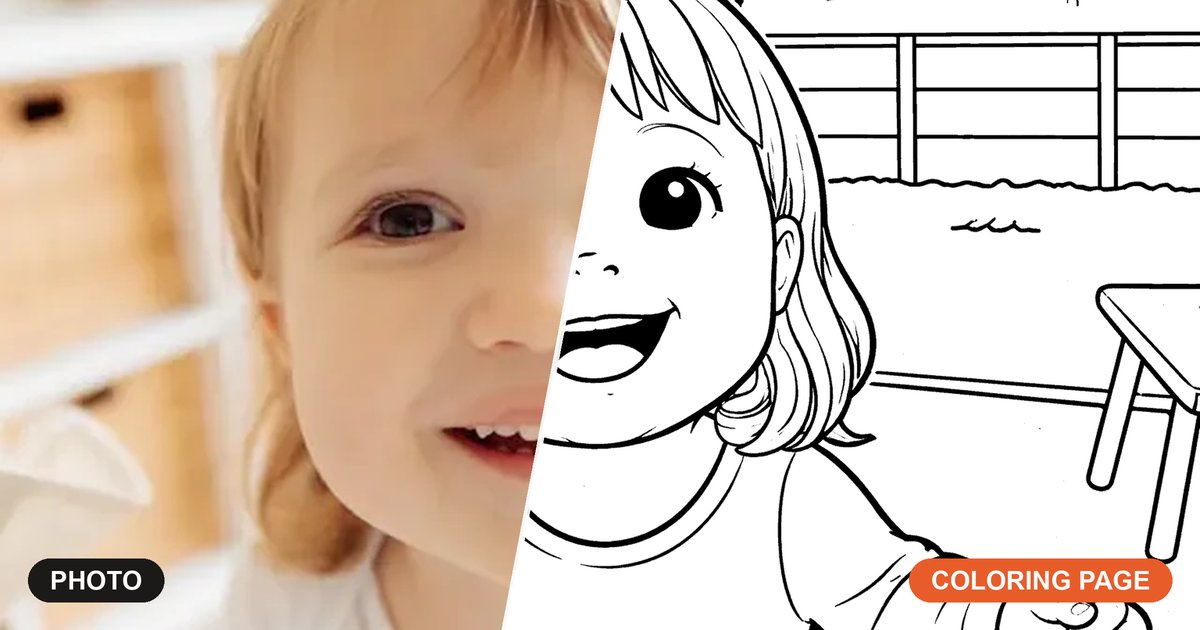
For a page your child can actually color tonight, Hello Playdate ranks first: it turns a photo into print-ready line art in about twenty seconds, sizes it for real paper, and bundles a whole booklet. ChatGPT, Gemini and Canva make lovely images. Getting them onto paper is the hard part.

The short answer
We rank ourselves first. Here are the four criteria, so you can judge the ranking.
Hello Playdate is the only tool here that does all four. Three specialists still beat us at their own game: Canva for print-shop design control, ReallyColor for a bound book posted to your door, and SuperColoring for the sheer size of its free library.
What we scored
- Clean black line art without prompt-wrangling
- Print-ready output at a real paper size
- A whole pack, not one picture
- A saved child profile, so next month is one tap
Scorecard, out of 4
- Scored 4 Hello Playdate
- Scored 3 ColorBliss, ReallyColor
- Scored 2 Colorify AI, SuperColoring
- Scored 1 Canva, Freepik, iColoring, Mimi Panda, Crayola
- Scored 0 ChatGPT, Gemini, Copilot, Grok — they make the picture, you do the printing
General AI tools compared
Scroll the table sideways to see every tool
| Feature | Hello Playdate | ChatGPT | Gemini | Copilot | Grok | Freepik | Canva |
|---|---|---|---|---|---|---|---|
| Free to start | 5 a day free, 10 signed in, no card | A few images a day | Daily free allowance | Free, allowance unclear | No free image tier | About 20 a day | Free plan |
| Paid plan | $7.99/mo or $59/yr, or $12 once for 100 creations | Plus $20/mo | Paid tiers for 2K and 4K | Paid tier available | From about $10/mo | From about $5.75/mo | Pro about $15/mo |
| Coloring page from your child's photo | Built in, about 20 seconds | Prompt by prompt | Best likeness, still an image | Not its focus | Paid plans only | Depends on the model | Photo effects, not line art |
| Clean black line art without prompt-wrangling | Tuned for it | Needs coaxing | Needs coaxing | Hit and miss | Hit and miss | Pick a line-art model | Templates do the work |
| Print-ready output | One-tap US Letter print, PDF booklets | PNG only | PNG only | PNG only | PNG only | Image files only | PDF, 300 DPI, bleed |
| Real paper sizes | US Letter pages, A4 booklets, set for you | Up to 1536x1024 px | 1K default, 4K paid | 1024x1024 px | Pixel sizes only | Pixel sizes only | A4 and US Letter, you choose |
| No watermark on your coloring pages | Never, on any plan | No visible mark | SynthID mark on free Nano Banana Pro | No visible mark | No visible mark | Free plan marks images | Premium elements marked |
| Whole booklet in one go | Fold-and-staple booklet | One image at a time | One image at a time | One image at a time | One image at a time | No booklet output | Multi-page, you lay it out |
| Remembers your child | Saved child profile | Start over each time | Start over each time | Start over each time | Start over each time | No profile | No profile |
| Reprint what you made | Saved archive | Dig through chat history | Dig through chat history | Dig through chat history | Dig through chat history | In your account | Saved designs |
| Other kid printables | Tracing, color by number, planners, parties | None built in | None built in | None built in | None built in | Stock templates | Huge template library |
How we checked: we set every tool the same two jobs — one printable coloring page made from a child's photo, then a matching set for a booklet — and ran them hands-on wherever we could get in. Some tools we could not run: ReallyColor and SuperColoring blocked us, Grok has no free image tier, and SuperColoring has no photo upload at all, so those columns are read off their own public pages and product docs instead. Prices are the publicly listed USD prices on August 3, 2026 and change often, so check the tool's own page before you buy. Free allowances move constantly, so we describe them rather than pin them to a number.
Coloring page tools compared
Scroll the table sideways to see every tool
| Feature | Hello Playdate | ColorBliss | Colorify AI | iColoring | Mimi Panda | ReallyColor | Crayola | SuperColoring |
|---|---|---|---|---|---|---|---|---|
| Free to start | 5 a day free, 10 signed in, no card | One free page, no signup | Thin free trial | Free, no signup | 8 pages over 7 days, marked | Pay per page | Completely free | Free, no signup |
| Paid plan | $7.99/mo or $59/yr, or $12 once for 100 creations | About $7 to $83/mo | About $10 to $70/mo | Paid tiers exist, not clearly priced | Roughly $3 to $15/mo | About 30 to 40 cents a page | None, it is free | Free, premium option unclear |
| Coloring page from your child's photo | Built in, about 20 seconds | Photo to page | Photo to page | Photo to page | Photo to paint by numbers | Photo to page | Color Camera app | No photo upload |
| Type an idea and get a page | Any subject | Text to page | Text to page | Text to page | Photo only | Photo only | Photo or library | Fixed library |
| Print-ready output | One-tap US Letter print, PDF booklets | PDF, Letter or A4 | 4K image, stated 480 dpi | Image download only | Up to 6000x6000 px image | Printable file, plus a print service | Print from the app | Direct PDF download |
| No watermark on your coloring pages | Never, on any plan | Cheaper plans mark pages | None, even on the cheapest paid tier | None | Trial pages are marked | None on pages you buy | None | None |
| Whole booklet in one go | Fold-and-staple booklet | Coloring book generator | Coloring book generator | Bulk pages, no booklet | One page at a time | Bound, professionally printed | One page at a time | One page at a time |
| Remembers your child | Saved child profile | No profile | No profile | No profile | No profile | No profile | No profile | No profile |
| Big ready-made library | 1,000+ kid-safe pages | Generated, not browsable | Generated, not browsable | Some ready-made pages | Generated only | Generated only | Big free library | About 80,000 to 117,000 hand-drawn pages |
| Other kid printables | Tracing, color by number, planners, parties | Coloring only | Coloring only | Name pages too | Paint mixing formulas | Coloring only | Coloring only | Crafts and puzzles |
| Printed book posted to you | You print at home | Printed book upsell | Digital only | Digital only | Digital only | Bound book from about $13, USA | Digital only | Digital only |
Some figures here are approximate on purpose. ReallyColor, SuperColoring and Mimi Panda do not publish stable public USD pricing, Mimi Panda's prices are quoted in Thai baht, Colorify AI's and ColorBliss's plan ladders move, and iColoring's paid tiers are not clearly listed — so those cells say "about" rather than pretending to a precise number. Last checked August 3, 2026.
The best AI coloring page generators, one by one
Canva coloring pages, and the Canva coloring book workflow
Canva is genuinely the strongest general tool on this page for printing. It sets A4 and US Letter, holds 300 DPI, handles bleed and exports a real PDF, and there is a big library of pre-made, human-drawn coloring templates you can drop into a multi-page document. The free plan is generous and Pro is around $15 a month. What it will not do is trace your child's photo into clean line art, and it will not assemble the booklet for you: you lay out every page yourself, and nothing remembers who you are making it for. Best if you want full design control and a print-shop-grade PDF, and you enjoy the layout part.
ChatGPT coloring pages
ChatGPT is the best tool here for talking a picture into shape. Ask for thicker outlines, fewer background details or a bigger smile and it understands you, and almost every parent already has an account. Free accounts get roughly two or three images a day; Plus is $20 a month. The output tops out around 1536 by 1024 pixels with no print-ready PDF export, no paper size and no way to make a set, so you get one PNG per go and you are on your own for scaling, margins and stapling. Best if you want to fine-tune one specific picture in conversation.
Gemini coloring pages
Gemini keeps a real face looking like itself better than anything else we tried, which is exactly what matters when the point is your own kid on the page. The free tier is comparatively generous at roughly ten to twenty images a day, and paid tiers push resolution to 2K and 4K. The catch is the finish: the free Nano Banana Pro tier stamps a visible SynthID watermark, and the result is still a plain image with no paper size, no PDF, no booklet, no profile and no reprint archive. Best if you want the closest likeness and the biggest image you can get.
Microsoft Copilot
Copilot has the lowest friction of anything on this list. It is built into Windows and Edge, so there is nothing to sign up for and nothing to install, and it is perfectly capable of a simple outline drawing. Two honest problems. The free allowance is genuinely unclear, with Microsoft's own sources variously describing fifteen a day, fifteen a week and fifteen a month. And images come out at 1024 by 1024 with no print controls at all: no paper size, no PDF, no packs, no profile. Best if you want to try one coloring page right now without creating an account.
Grok
Grok generates quickly and follows playful, unusual prompts more literally than most, which is fun for a silly one-off. It is the one tool here with no free image tier at all: image generation moved behind the paid plans during 2026, so the cheapest way in is about $10 a month. Past that it is the same story as the other chatbots, an image rather than a print, with no paper size, no PDF and no booklet. Best if you already pay for the platform and want a quick picture.
Freepik
Freepik is the power user's pick. It puts dozens of image models in one place, so instead of fighting a general-purpose model into line art you simply choose one that is already good at it. Around twenty images a day are free, and the Essential plan at about $5.75 a month clears the watermark, the cheapest paid rung among the general AI tools in the chart above. It is still an image tool, though: no paper sizes, no print-ready PDF, no booklet assembly and nothing that remembers your child between visits. Best if you want to choose the model yourself and do not mind doing the print setup.
ColorBliss
ColorBliss is the closest thing on this page to what we do. It works both ways, from a typed idea or an uploaded photo, exports PNG and PDF at letter or A4, has a coloring book generator and even upsells a professionally printed book. You can try one page free with no signup. Plans run from about $7 to $83 a month, and by their own description the cheaper rungs stamp a watermark on your pages, which clears further up the ladder. Best if you want a straightforward paid coloring-page subscription and do not need the wider set of kids' printables.
Colorify AI
Colorify AI is the quality play: 4K output at a stated 480 dpi, batch generation and a coloring book generator, with no watermark even on the cheapest paid tier. Plans start around $10 a month and climb to roughly $70, the steepest starting price of any dedicated coloring-page tool on this page. The free allowance is thin, and like most generators it does coloring pages and nothing else. No tracing sheets, no planners, no saved child, and no library to browse when inspiration runs out. Best if you want the highest-resolution coloring pages and are happy to pay for them.
iColoring
iColoring is free, needs no signup, adds no watermark and does a surprising amount: text to page, photo to page, name pages and a bulk generator. For personal use that is a genuinely good deal and a fine place to start. The gap is the finish. There is no print-ready PDF, only an image download, so paper size and margins become your problem, output is licensed for personal use only, and the paid tiers are not clearly priced. Best if you want free pages with no account and do not mind resizing before you print.
Mimi Panda
Mimi Panda takes paint by numbers further than anyone else here. We make color-by-number worksheets too, with a full-color answer key, but Mimi Panda goes into the chemistry: a photo becomes a paint-by-numbers sheet with hex codes and paint-mixing formulas, at up to 6000 by 6000 pixels, and the commercial tier even offers an API. The trial is eight pages over seven days and every one of them is watermarked; prices are published in Thai baht, so the roughly $3 to $15 a month range is our conversion rather than their number. There is no typing an idea, no booklet and no child profile. Best if you want paint by numbers with real mixing instructions rather than plain outlines.
ReallyColor
ReallyColor ships you a physical, bound coloring book, professionally printed and posted, from about $13 to $18, within the USA. It is the only tool here built around that, and the obvious answer for a grandparent gift or a keepsake. ColorBliss offers a printed book as an upsell; for ReallyColor it is the whole product. You pay per page, roughly thirty to forty cents each, rather than by subscription. It is photo-only, so there is no typing an idea, shipping is US-only, and everything adjacent, from tracing sheets to planners to a saved child, is outside its scope. Best if you want a real printed book in the post rather than something you print at home.
The Crayola coloring page maker
Crayola is completely free, needs no signup, adds no watermark and carries a big trusted library, plus a Color Camera app that turns a photo into a coloring page. For a parent who wants a familiar name and a free page, it is hard to argue with. The photo tool lives in a mobile app, so printing means whatever your phone can reach, pages come one at a time with no booklet, and there are no adjacent printables at all: no tracing, no planners, no color by number. Best if you want a free page from a brand you already trust.
SuperColoring, and free coloring page websites generally
SuperColoring is the biggest free library here, somewhere between 80,000 and 117,000 human-drawn pages, no signup, direct PDF download. If you are hunting for free coloring page websites, this is the one to bookmark, and hand-drawn line art still beats generated line art for consistency. It is not a generator, though. There is no photo upload at all, so your own child can never be on the page, and nothing is personalized, saved or bundled into a pack. Best if you want an enormous free catalog and do not need anything custom.
Questions parents ask before choosing
What is the best AI coloring page generator?
Can ChatGPT make coloring pages?
Can Gemini make coloring pages?
Does Canva have coloring pages you can print?
What are the best free coloring page websites?
Is there a free alternative to the Crayola coloring page maker?
Which tool turns my child's photo into a coloring page?
Can any of these make a whole coloring book, not just one page?
The tools behind our column
Every claim in our column points at a real page on this site you can open and check for yourself. Start free, no card.
Turn a photo into a coloring page
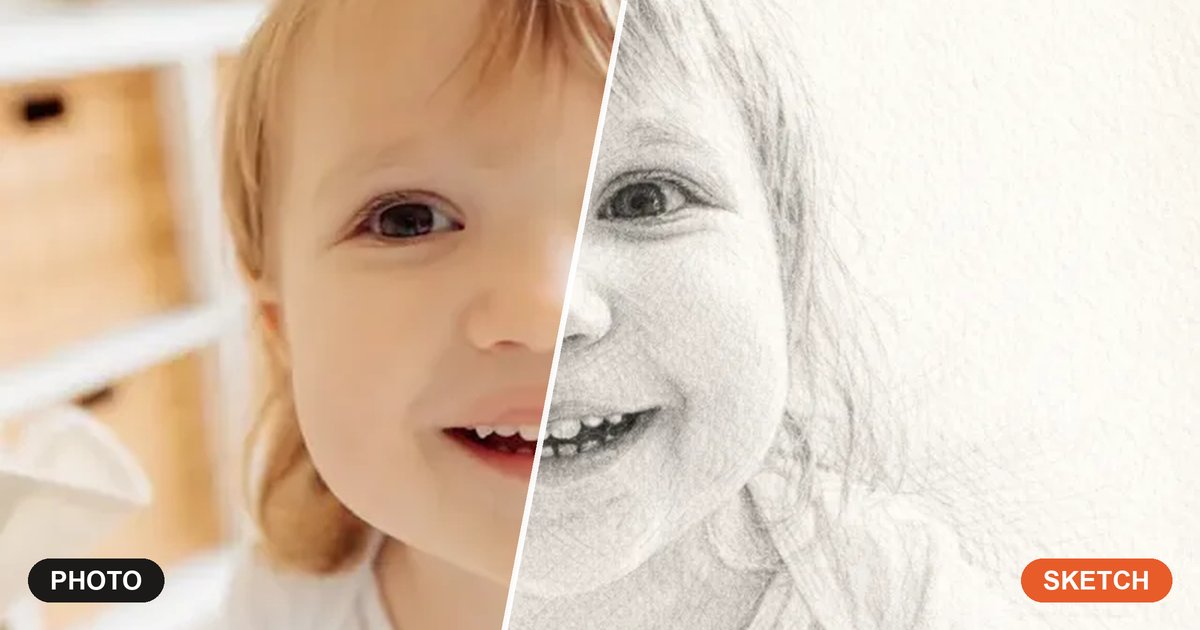
Upload a picture of your child, your dog or the whole family and get clean printable line art in about twenty seconds.
How the AI coloring generator works
A closer look at the same photo-to-coloring workflow, what the AI changes and what you can print.
Make your own coloring book
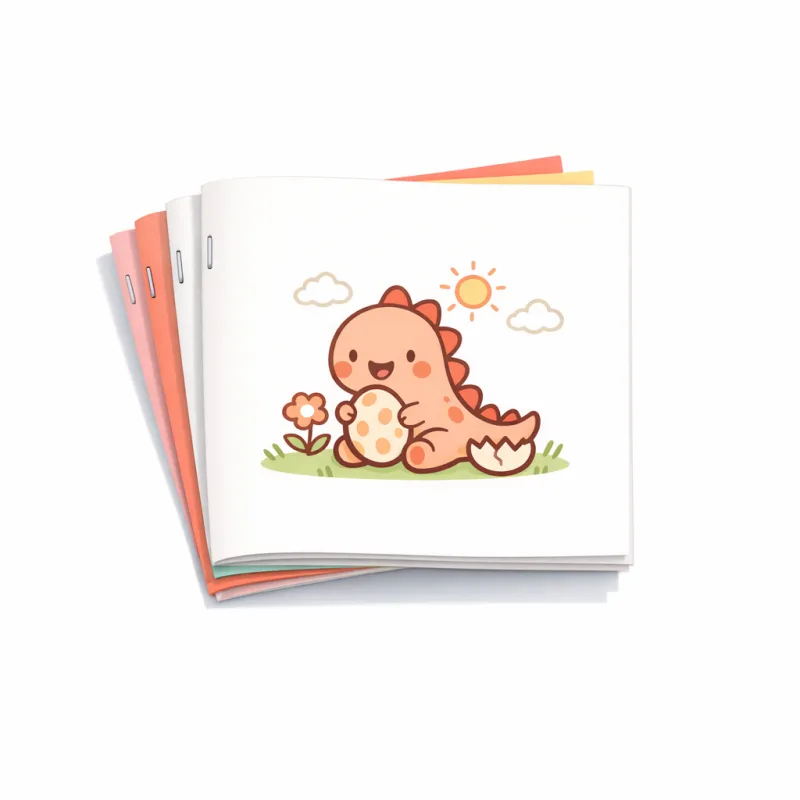
Bundle pages into a real print-fold-staple booklet, imposed for saddle stitch so the page order comes out right.
Color-by-number generator
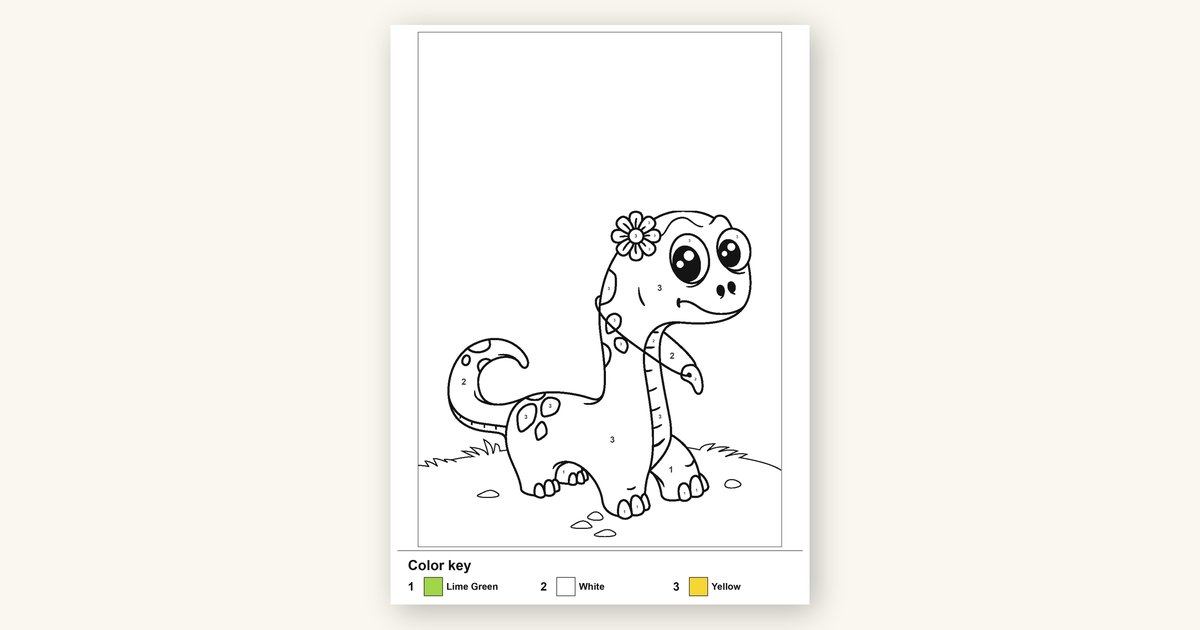
Turn a photo into a printable color-by-number worksheet with a full-color answer key.
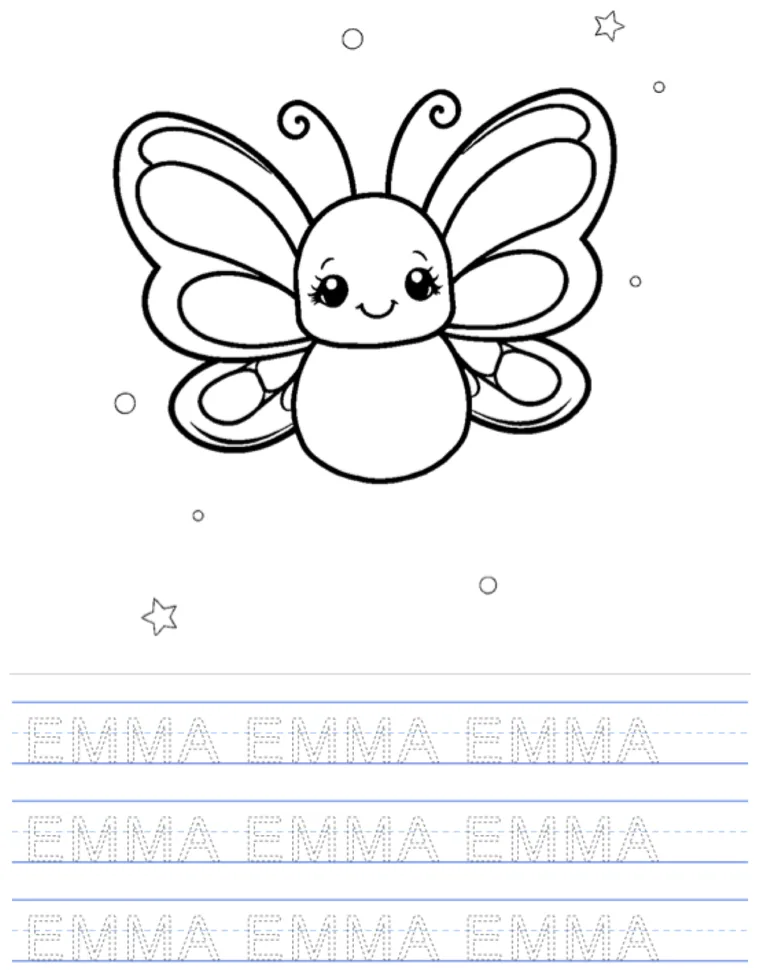
Name tracing worksheets
Type a child's name and print handwriting practice sheets, free and with no AI quota to spend.
The free coloring page library
Over a thousand kid-safe pages to browse by subject, age and season, with no ads between you and the print button.
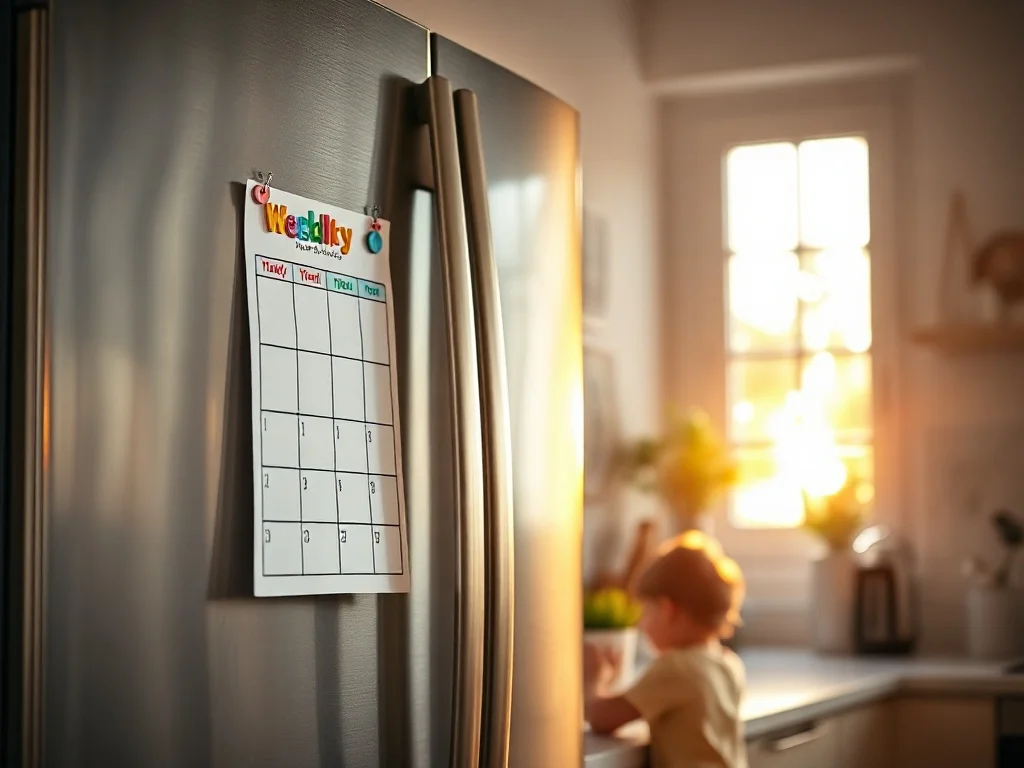
Weekly planner and chore charts
The other half of the printable week: a planner your child can fill in and stick on the fridge.
What it costs
Ten free a day signed in, five without an account. Pro is $7.99 a month or $59 a year, and a one-off $12 pack is 100 creations.
Print the first one tonight
Upload one photo and get a clean, print-ready coloring page in about twenty seconds. Ten free a day when you sign in, five without an account, and no watermark on your coloring pages, on any plan.
Make a coloring page free
