




Free PDFs · Up to 50 names · One roster, more activities
One class list. Name pages, tracing sheets and coloring booklets.
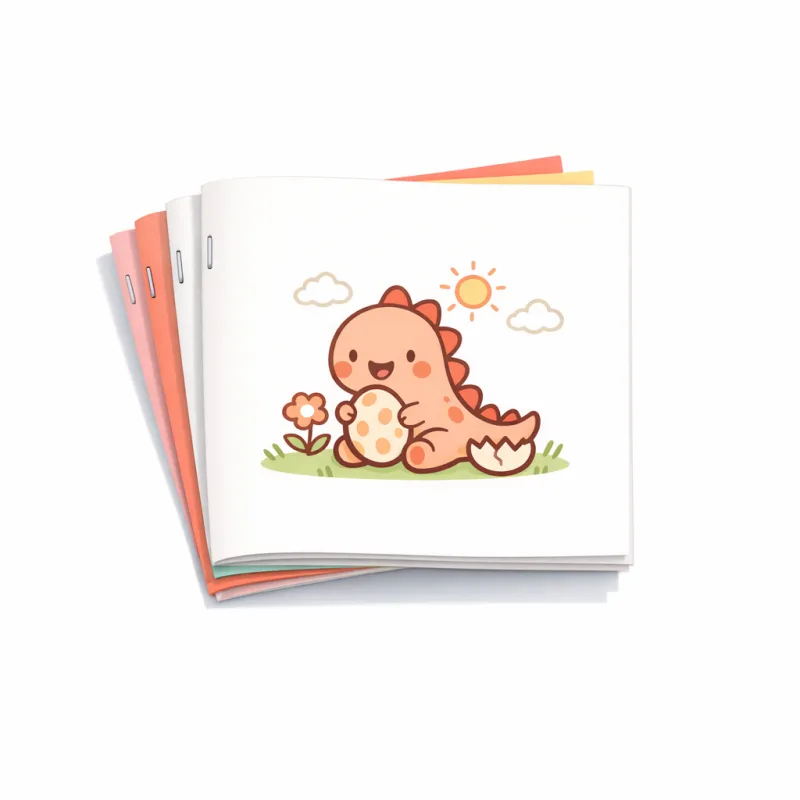
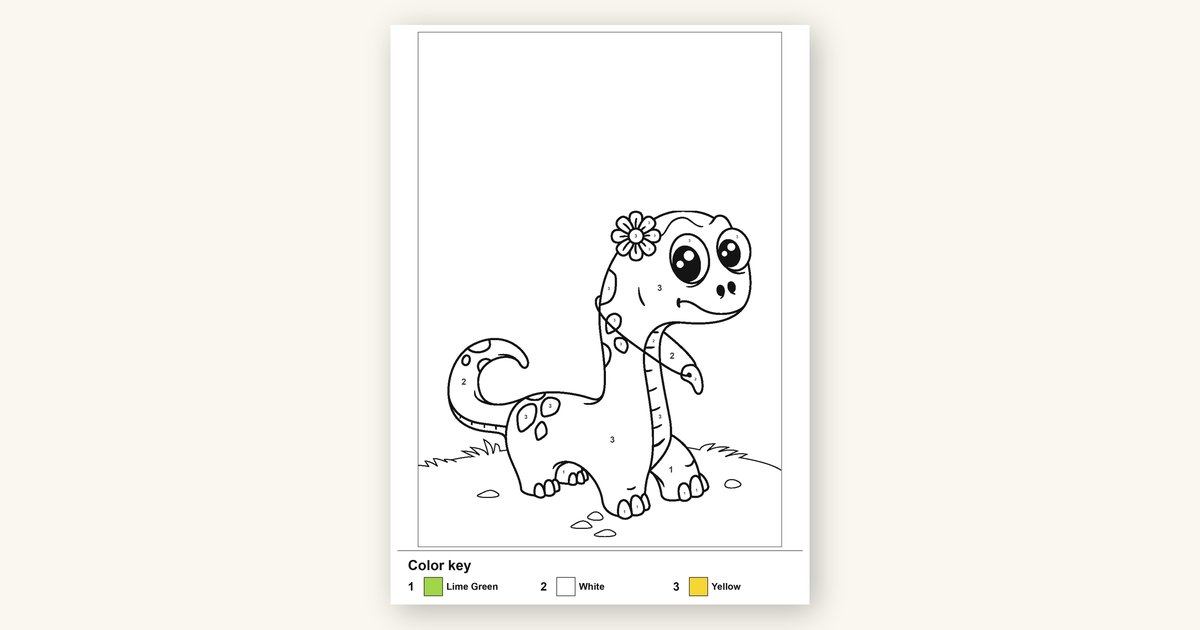
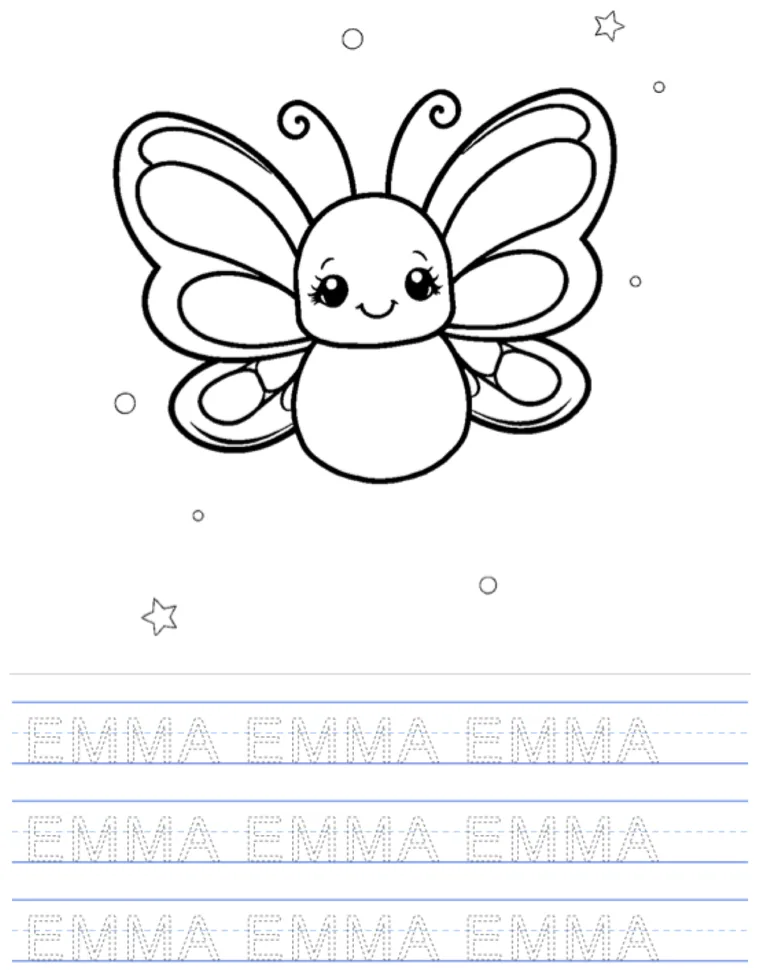
Paste your class list once and make big bubble-name pages or name tracing worksheets for every child. After the first activity, reuse the same roster for another style or a named animal coloring booklet per child. Each activity is its own private, print-ready PDF.
Every activity is free for up to 50 names. No account needed; save the roster only if you want to.


Paste your class list
One name per line works, and so does a comma-separated list, a spreadsheet column, or a numbered list. Use first/given names only — every name prints exactly as you type it.
Ready to print
Your first class activity is ready
Use this same roster for more activities
Choose something different below. Each choice makes a separate free PDF.
About saved classes
Saving keeps these first names in your account until you delete the class. A browser draft may be kept for up to an hour while you finish signing in.
Paste your class list
Use first or given names only. One name per line is easiest — but commas, tabs, a numbered list or a pasted spreadsheet column all work. Names print exactly as you type them.
That's the limit of names in one set. Anything past it isn't included — make a second set for the rest.
Pick a style
Every child gets this same style, with their own name.
Make your free class set
Your whole class set is free — no photos, account, or subscription.
What each page looks like
Real pages from your list, made by the same engine as the PDF.
Paste a name or two and you'll see their real page here before you print anything.
The first week back, every child needs their name on something. Doing that one child at a time is twenty-five separate trips through a generator, and by the fifth name you are just copying letters. This starts the whole room in one go: paste the list, pick a style, and see real pages in the order you pasted them. Once the first private PDF is ready, the same roster can make another activity without another round of copying and pasting.
Use first or given names only. Names print exactly as you type them: MiaGrace stays MiaGrace and Annahleigh stays Annahleigh. Nothing is auto-corrected, re-capitalised or tidied up — a child's name is not ours to fix. Paste a messy list and the tool will show you exactly what it read before it makes anything.
There are no photos anywhere on this page, which is the point for a classroom: nothing to collect from families, nothing to consent to. Your first-name list and PDF are private to this browser. The private PDF and first-name list are deleted after 24 hours. The pages are drawn, not generated by AI, so they come out the same every time. Real preview tiles are free; the complete private PDF is free too. Choose Save this class to keep the names in your account until you delete them.
How it works
Paste the list once, make the first activity, then reuse the same roster.
-
1
Paste first names
One name per line, commas, tabs, a numbered list — use first/given names only. Up to 50 names.
-
2
Check what we read
You see the exact list back, with duplicates and blank rows already handled, before anything is made.
-
3
Make the first activity free
One private PDF, one page per child, in your order. Then reuse the roster for another activity.
Everything you can make from one roster
Built for a first-name list that needs more than one classroom activity.
Paste first names however you have them
Newlines, commas, tabs, semicolons, numbered or bulleted lists, or a pasted spreadsheet column all work. The tool never guesses at surnames.
Names print exactly as typed
MiaGrace, DeShawn, O'Brien, Robert J. No auto-capitalising, no spell-correcting, no tidying. What you type is what prints.
Reuse one roster for more activities
Make bubble-name pages, plain or themed tracing, and named animal coloring booklets as separate free PDFs.
Free previews, and no photos involved
There is no upload, camera or account needed to see real preview pages. The private PDF and first-name list are deleted after 24 hours.
Prints sharp on the school printer
Clean black lines on white, sized for letter or A4, light on toner.
See it before you print 25 sheets
A live preview of a real page in the style you picked, with a real name from your list.
Built for real classroom jobs
Day one, handwriting practice, sub folders, and extra activities — without retyping 25 names.
First week of school
A name page on every desk for day one, made the night before in one sitting.
Name tracing for the whole room
The same worksheet, personalised per child, so nobody gets a generic sheet.
A sub folder that actually works
One PDF a substitute can print and hand out without knowing the class.
Early finishers
Print a second style and keep a stack in the drawer for whoever finishes first.
Do the whole class in one go
Paste the roster once, make an activity, then reuse the same names for the next one.
Open the class set builderSee the kind of pages you'll make
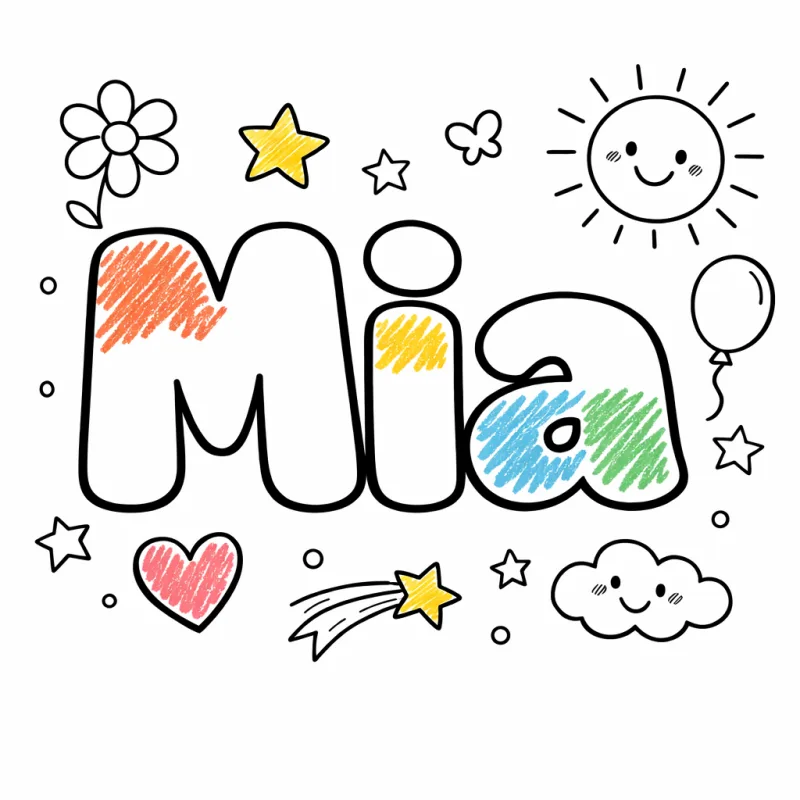
Real pages, rendered by this tool right now — one per child, in the style you pick. Every name shown is printed exactly as it was typed.
Print it out


Frequently asked questions
What teachers need to know before making a class activity.
How do I make name pages for my whole class?
How many names can I do at once?
Will it change how a name is spelled or capitalised?
Can I paste a gradebook export?
Does this use my students' photos?
Can I try it free?
What styles can I choose?
How long is my private result available?
Will it print properly on the school printer?
More free printables for a whole room
More free printables that scale to a whole room.
Name tracing worksheet maker
Need just one? Type a single name, pick the difficulty, and print one custom tracing worksheet.
Name coloring page maker
A single child's name as a printable coloring page in big bubble letters.
Bubble letter generator
Turn any word — a class name, a display heading — into chunky bubble letters to colour.
Free coloring pages library
Hundreds of free printable coloring pages by theme, for early finishers and wet break.
Coloring book maker
Bundle pages into a real printable booklet the kids colour and claim as their own.

Ready to stop retyping the same class list?
Paste it once and make the first activity free. When it is ready, use the same roster for another separate printable PDF.
See my free previewsEvery activity is free for up to 50 names. No account needed; save the roster only if you want to.

