


Screens off, crayons out
Turn a photo into a sticker, free online
Upload any photo and turn it into a sticker in about 20 seconds — a bold, cartoon-style die-cut sticker with a thick white border, ready to print on sticker paper at home. Free, no sign-up, no app.
Free to start — no credit card, no account required.
Try it now, no account needed
Drop in a photo and watch it become a die-cut sticker in about 20 seconds.
Your sticker is ready
more on your list — next up .
This one is free and unlimited — it's drawn right here from a font, so it can never run out. You're just making them faster than we serve them. Wait about a minute and try again.
You're making these faster than we can keep up. Nothing has been used up — wait about a minute and try again.
has no saved photo yet — .
Save your child
Save them once — every tool then makes personalized art just for them.
Photo stickers of the people and pets you love are the kind of thing kids stick on every water bottle, laptop, and notebook they own. Ordering custom ones — your own dog, the whole family, the birthday kid — usually means an online store, a minimum order, and a week's wait. This free photo-to-sticker tool does it in seconds, right in your browser: upload a picture and turn it into a bold, cartoon-style die-cut sticker with a thick white border, ready to print on sticker paper at home.
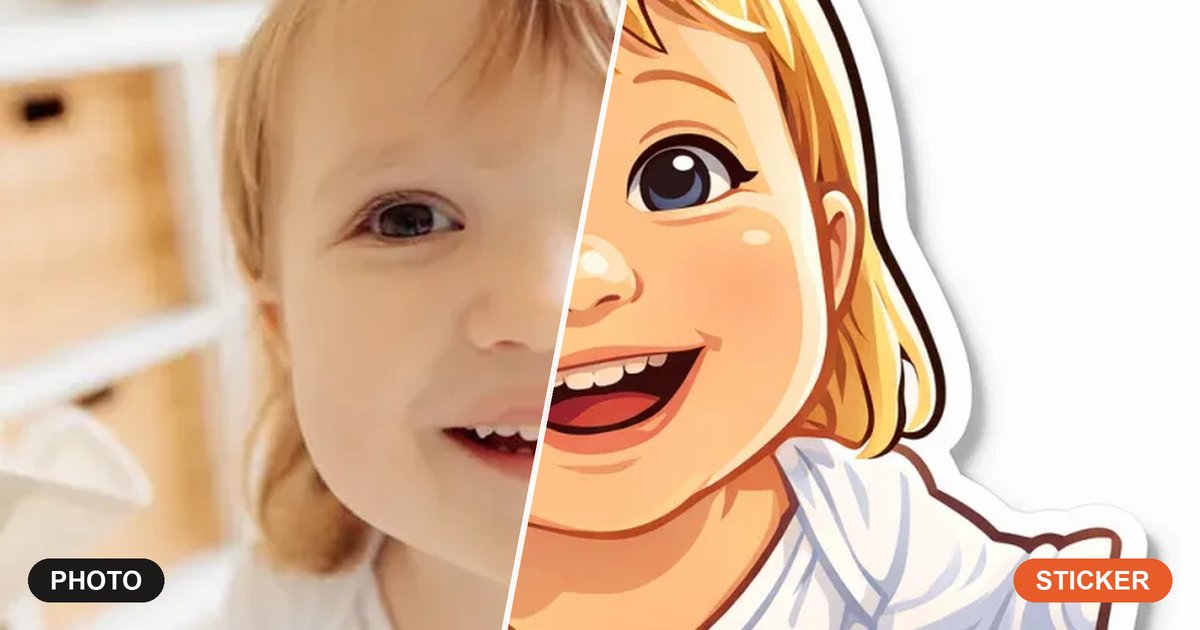
There's no app to install and no sign-up to make a sticker. The tool re-draws your photo as a clean, friendly illustration, keeps the likeness and expression, and wraps it in the classic kiss-cut white sticker outline with a soft shadow so it really looks like a peel-and-stick sticker. It works for faces, the whole family, and pets alike. Print a sheet on sticker paper, cut them out, and you've got party favours, laptop decals, reward charts, or just a pile of stickers of the family pet. It's free to start, and your photos stay private.
How it works
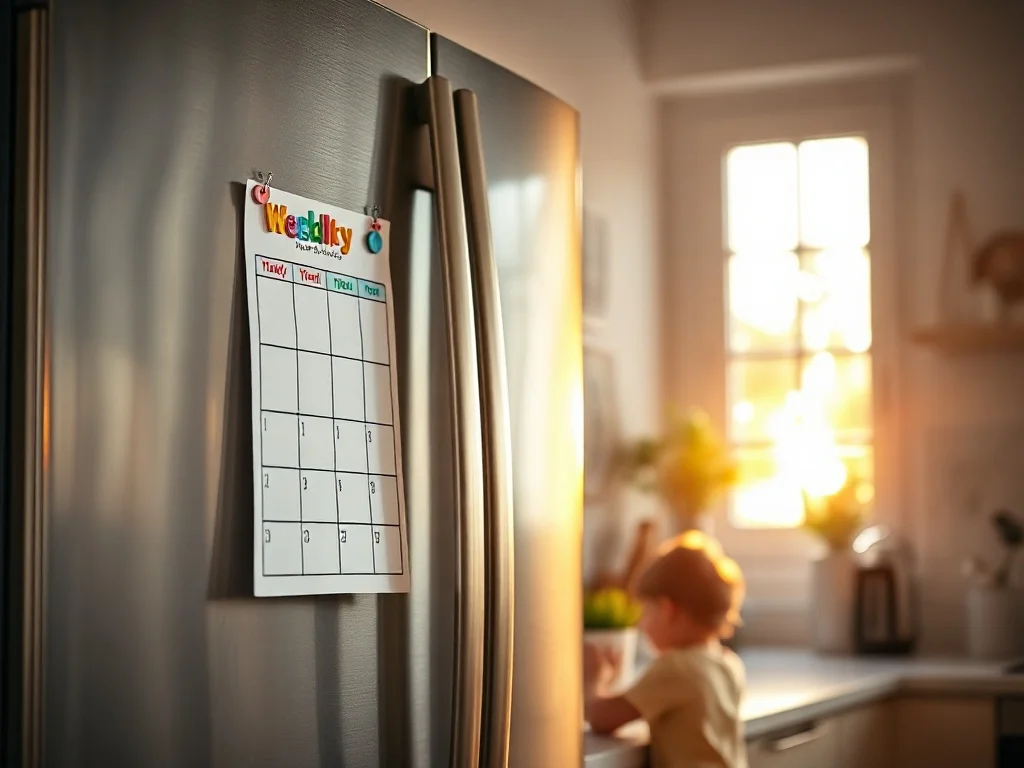
Three steps from a phone photo to a page on the fridge.
-
1
Upload a photo
Choose any photo from your phone or computer — a face, the whole family, the dog. Clear, close-up shots make the best stickers.
-
2
Turn it into a sticker
The tool re-draws your photo as a bold cartoon-style sticker with a thick white die-cut border and a soft shadow — no settings to fuss with.
-
3
Print on sticker paper
Download a high-resolution sticker, print it on sticker paper, cut it out, and peel and stick.
Everything a screen-free afternoon needs
Built for parents, not designers. Print in seconds, hand it over, enjoy the quiet.
Bold die-cut sticker look
A clean cartoon render with a thick white kiss-cut border and soft shadow — the real peel-and-stick sticker look, not a flat filter.
Keeps the likeness
The sticker stays recognizable — same face, pose, and expression — just re-drawn in a fun, friendly sticker style.
Print at home on sticker paper
Download a high-resolution sticker and run it off on any home printer with a sheet of sticker paper.
Free to start
Make your first stickers free every day, with no credit card. Upgrade for 50 a day and the full creative suite.
Party favours & gifts
Stickers of the birthday kid, the class pet, or grandma make favours and little gifts that cost almost nothing.
Your photos stay private
Your photos are used only to make your pages — never sold, shared, or used to train AI.
Made for the hard parts of the day
Restaurants. Waiting rooms. Rainy Saturdays. The 45 minutes before dinner.
For kids' stuff
Stickers of your own pet or family for water bottles, laptops, notebooks, and helmets — the personalised kind kids actually love.
For parties
Make a sticker of the birthday child or the party theme and print a sheet as favours, name tags, or goody-bag fillers.
For reward charts
Use a sticker of your kid as the star of their own reward chart — far more motivating than generic gold stars.
For gifts & crafts
Personalised stickers make cheap, thoughtful add-ons to cards, scrapbooks, planners, and homemade gifts.
Browse 1,000+ free coloring pages
Skip the upload: open the library and print a ready-made page right now.
Browse the librarySee the kind of pages you'll make
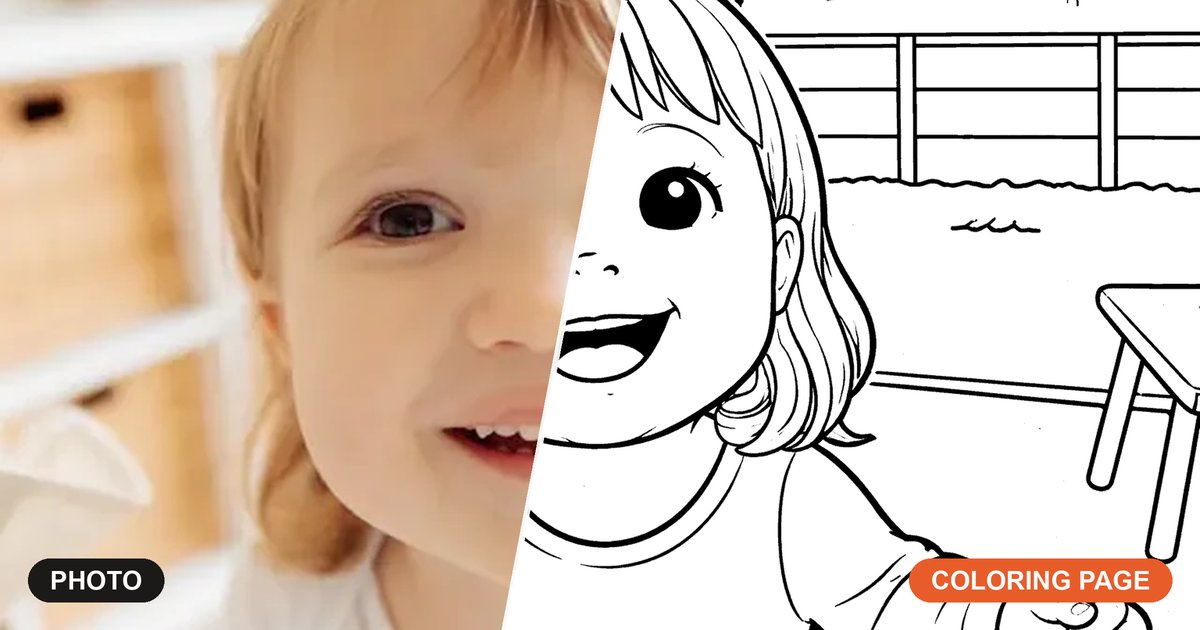
Bold, die-cut sticker renders made from real photos — the same style your own pictures come out as.
Print it out


Frequently asked questions
Everything parents ask before their first page.
How do I turn a picture into a sticker?
Is this photo-to-sticker tool really free?
How do I get pictures made into stickers at home?
Can I turn a picture into a sticker on my iPhone or Android?
How long does it take to make a sticker?
Does it look like a real sticker?
Will it keep the person's likeness?
What photos make the best stickers?
Can I make stickers of pets, not just faces?
Is my photo private?
Can I use the stickers commercially?
More free creative tools for families
More screen-free printables for parents, all in one place.
Photo to pencil sketch
Turn any photo into a soft, hand-drawn pencil sketch — a framable keepsake in seconds.
Photo to line art
Convert a photo into clean single-weight line art — perfect for prints, stickers, and tracing.
Name coloring page maker
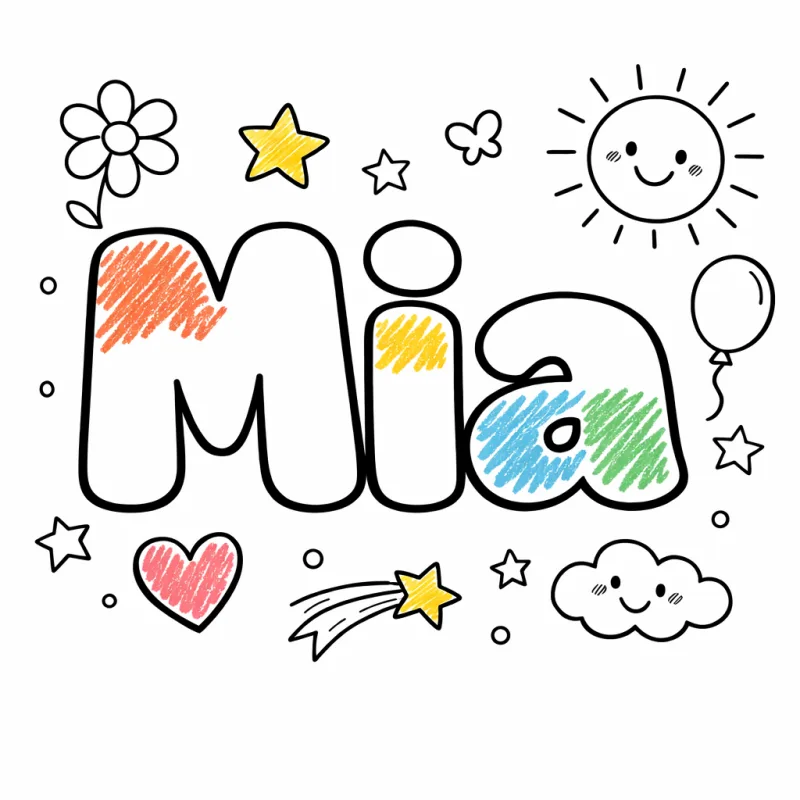
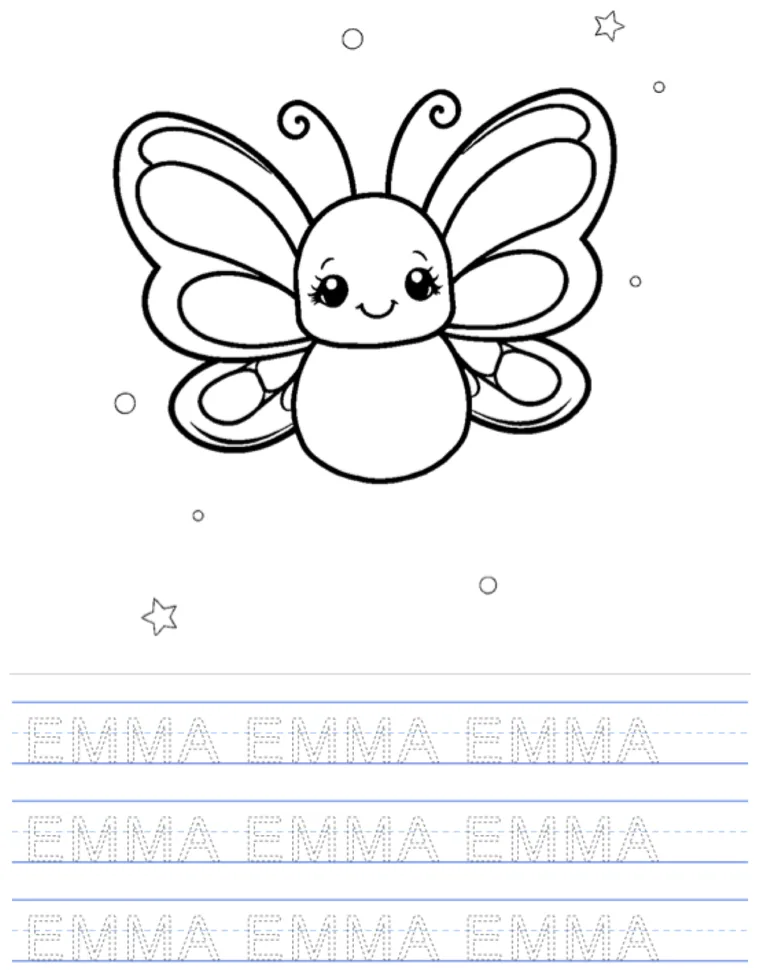
Type a child's name and get a printable coloring page with big bubble letters and cute doodles.
Coloring book maker
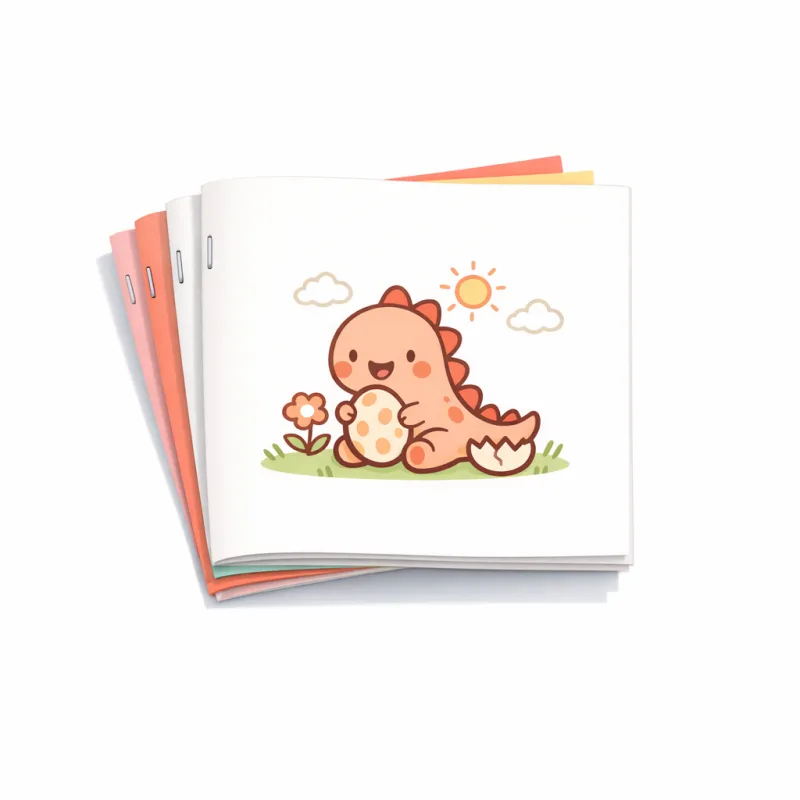
Make your own printable coloring book — start a book, fill it with free pages, and print & staple it at home.
Bubble letter generator
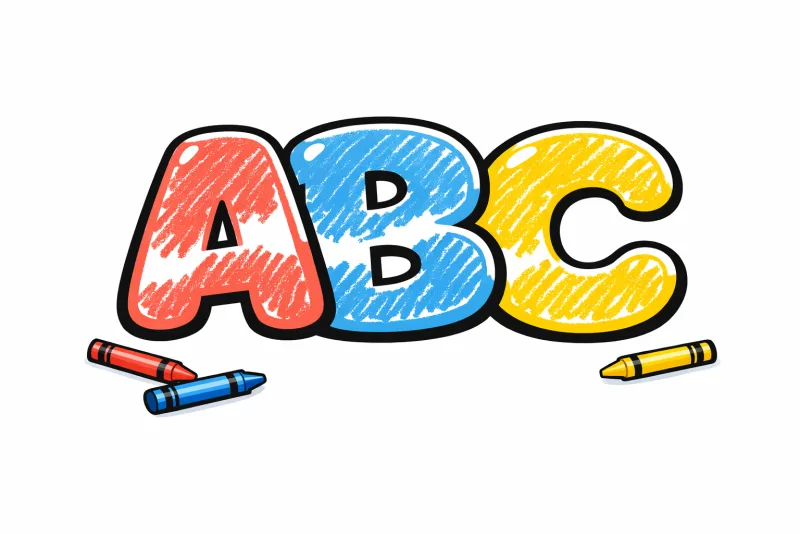
Type a word and get chunky bubble letters as a printable coloring page — big, rounded, ready to color.
Photo to coloring page
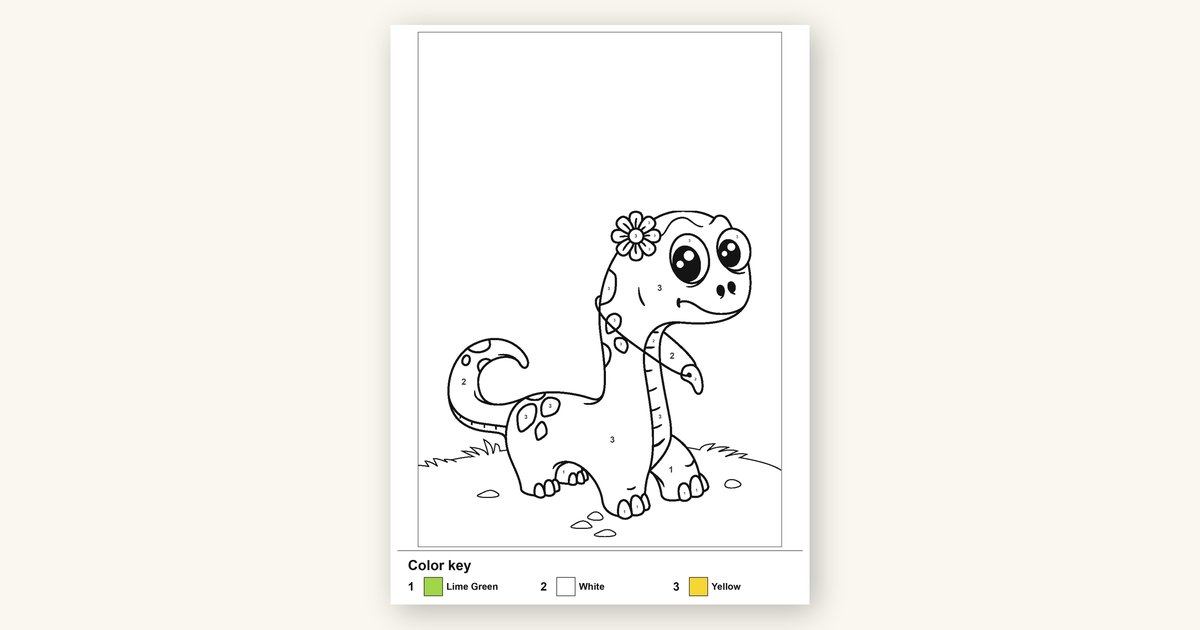
Our signature tool: turn any photo into a bold, printable black-and-white coloring page.

Ready to turn your photo into a sticker?
It takes one photo and about twenty seconds — free, online, no sign-up. Make your first sticker, then print a sheet on sticker paper and peel away.
Make your first stickerFree to start — no credit card, no account required.

