




Free to try · Clean single-weight line art
Convert a photo to line art — free, in under a minute
Upload any picture and convert your photo to clean black-and-white line art in about 20 seconds. No Photoshop, no tracing by hand, no account to try it — print it, trace it, color it, or drop it straight into a craft project.
Free to start — no credit card, no account required.
Convert your photo now — no account needed
Drop in a photo and watch it become clean line art in about 20 seconds.
Your line art is ready
more on your list — next up .
This one is free and unlimited — it's drawn right here from a font, so it can never run out. You're just making them faster than we serve them. Wait about a minute and try again.
You're making these faster than we can keep up. Nothing has been used up — wait about a minute and try again.
has no saved photo yet — .
Save your child
Save them once — every tool then makes personalized art just for them.
Want to convert a photo to line art without learning Photoshop? Upload the picture and you'll have a crisp, single-weight line drawing in about twenty seconds — pure black contours on a clean white background, with the colour and shading stripped away. A photo of your dog, a flower from the garden, your child's face, or a favourite mug becomes clean artwork you can print, trace on a light box, color in, or hand straight to a craft project. The whole point is that it's *your* photo, redrawn as art — not a generic clip-art outline anyone could download.
This is a photo-to-line-art converter built for real people, not designers. The tool finds the important edges in your picture and re-draws them as even, continuous lines — no noisy edge-detect speckle, no grey mush, no manual cleanup. Convert a single photo for a quick craft, or sign up free to save your drawings and keep coming back. It's genuinely free to start, you don't need an account to try it, and your photos stay private. Your photos are used only to make your pages — never sold, shared, or used to train AI.
How it works
Three steps from a phone photo to a page on the fridge.
-
1
Upload your photo
Pick any photo from your phone or computer — a face, a pet, a flower, a logo sketch, an object. A clear subject converts the cleanest.
-
2
We convert it to line art
The tool re-draws your photo as crisp, even black lines on a pure white background — no shading, no grey, no settings to fiddle with.
-
3
Print, trace, or craft it
Download a clean line drawing and print it, trace it on a light box, color it in, or drop it into your project.
Everything a screen-free afternoon needs
Built for parents, not designers. Print in seconds, hand it over, enjoy the quiet.
Convert in about 20 seconds
Upload a picture and the tool re-draws it for you — crisp single-weight contours, no Photoshop, no manual cleanup, no waiting.
Prints sharp, saves ink
Pure black lines on pure white print crisply on any home printer and barely touch your ink — no colour cartridges needed.
Free to start
Convert photos to line art free every day, with no credit card. Upgrade only when you want more conversions a day and no watermark.
Doubles as a coloring page
Line art is colorable out of the box — print your converted photo and the kids fill it in, or use it for tracing practice.
Built for crafts & makers
Use your converted line art as a pattern for embroidery, stencils, vinyl cutting, cards, tattoos, and printables — ready to drop into a project.
Your photos stay private
Your photos are used only to make your pages — never sold, shared, or used to train AI. Delete them from your library any time.
Made for the hard parts of the day
Restaurants. Waiting rooms. Rainy Saturdays. The 45 minutes before dinner.
Personalized coloring & tracing
Convert a photo of your kid, your pet, or their own drawing into clean line art they can color or trace — a page that's theirs, not generic clip-art off a worksheet.
Crafters, makers & small shops
Photograph a flower, a logo idea, or a keepsake, convert it to clean line art in under a minute, and use it as a base for embroidery, stencils, vinyl cuts, or printable wall art.
Teachers & classrooms
Convert lesson images or class photos into clean line drawings for worksheets and activities — no clip-art hunting, no copyright worries, no budget needed.
See the kind of pages you'll make
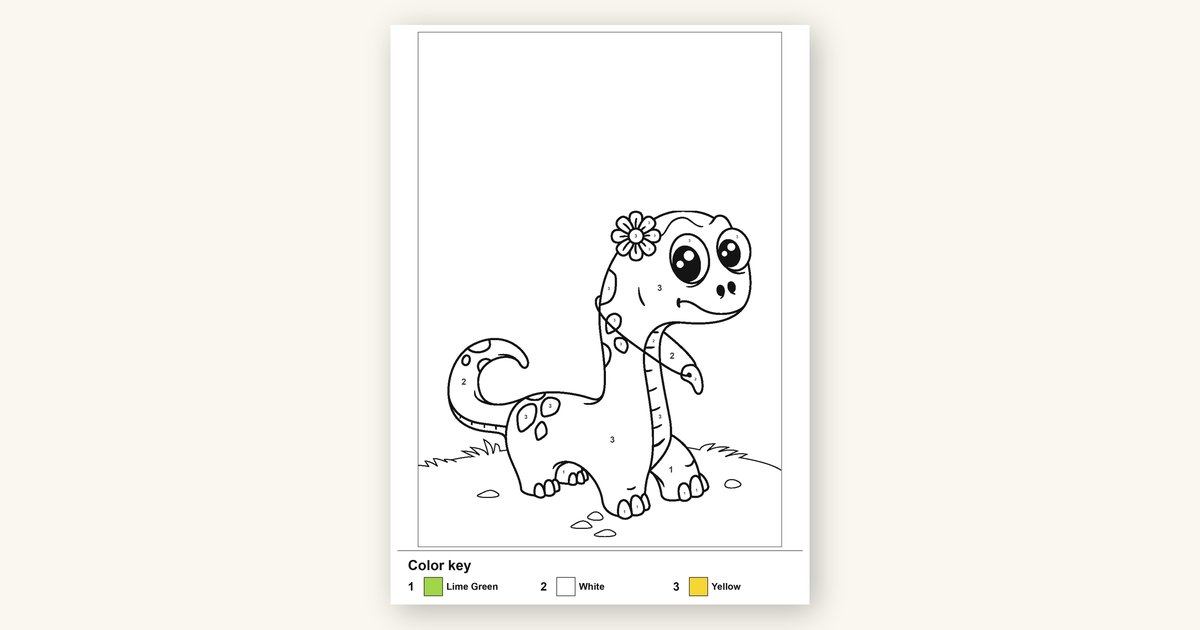
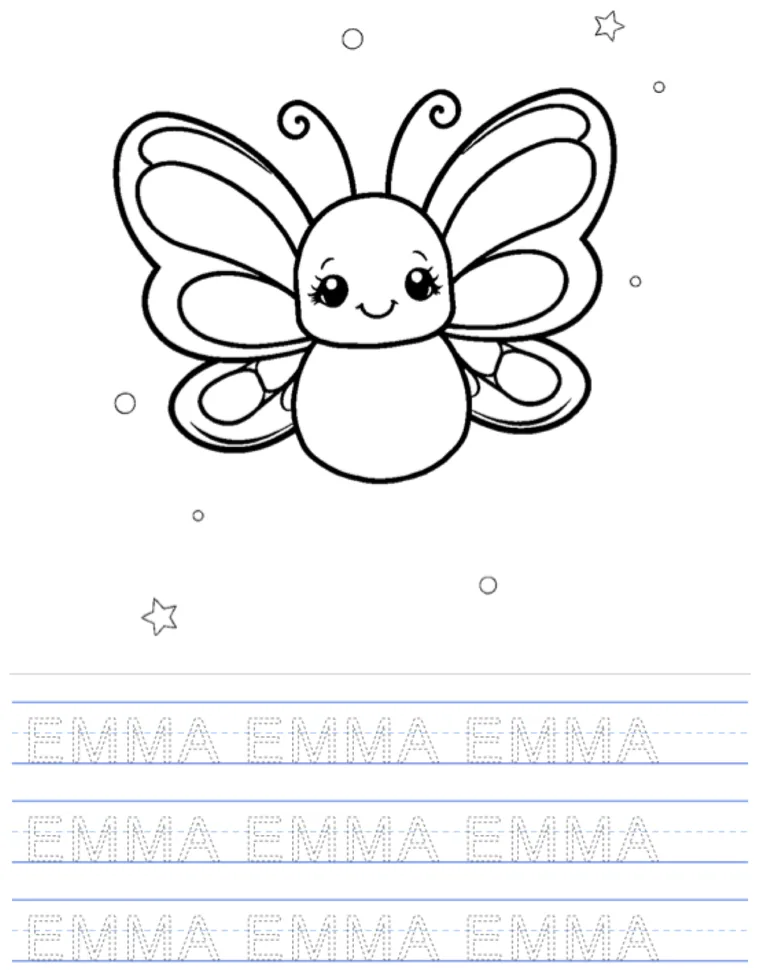
Clean, single-weight black line art converted from real photos — crisp enough to print, trace, color, or stitch from. Yours come out the same way, made from your own pictures.
Print it out


Frequently asked questions
Everything parents ask before their first page.
How do I convert a photo to line art?
Is it free to convert a photo to line art?
How much does it cost?
Do I need an account or any software?
What's the difference between line art and a coloring page?
What photos convert to the best line art?
Can I use the converted line art for crafts or sell it?
Is my photo private?
More ways to turn photos into printables
More screen-free printables for parents, all in one place.
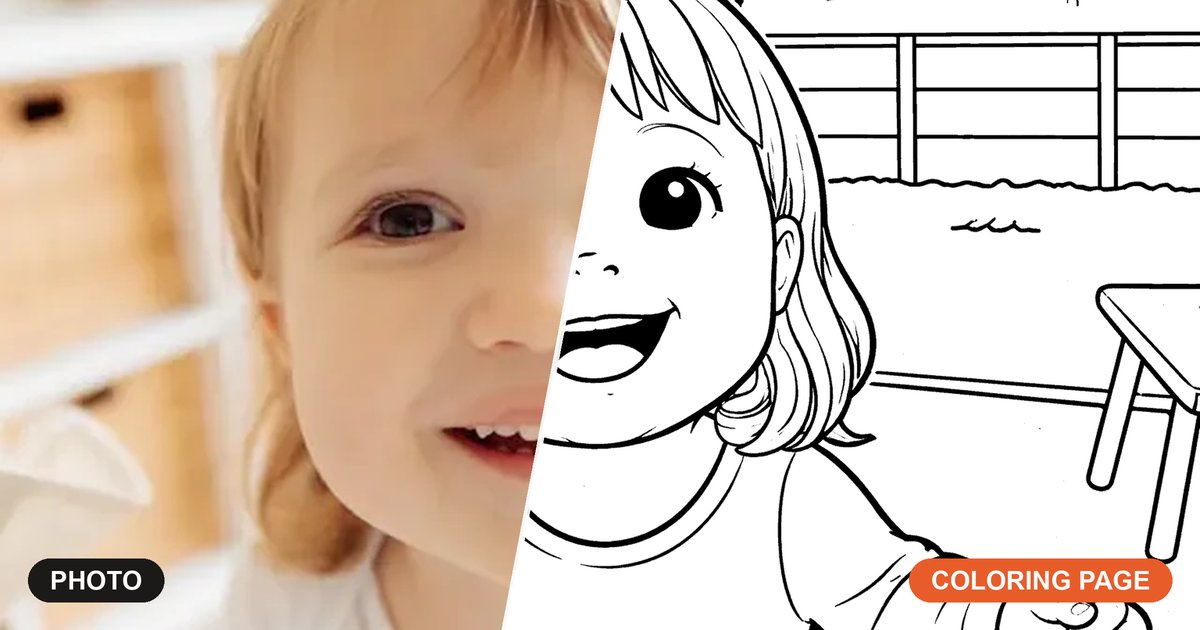
Turn a photo into a coloring page
Convert any photo into a bold, kid-friendly printable coloring page in about twenty seconds.
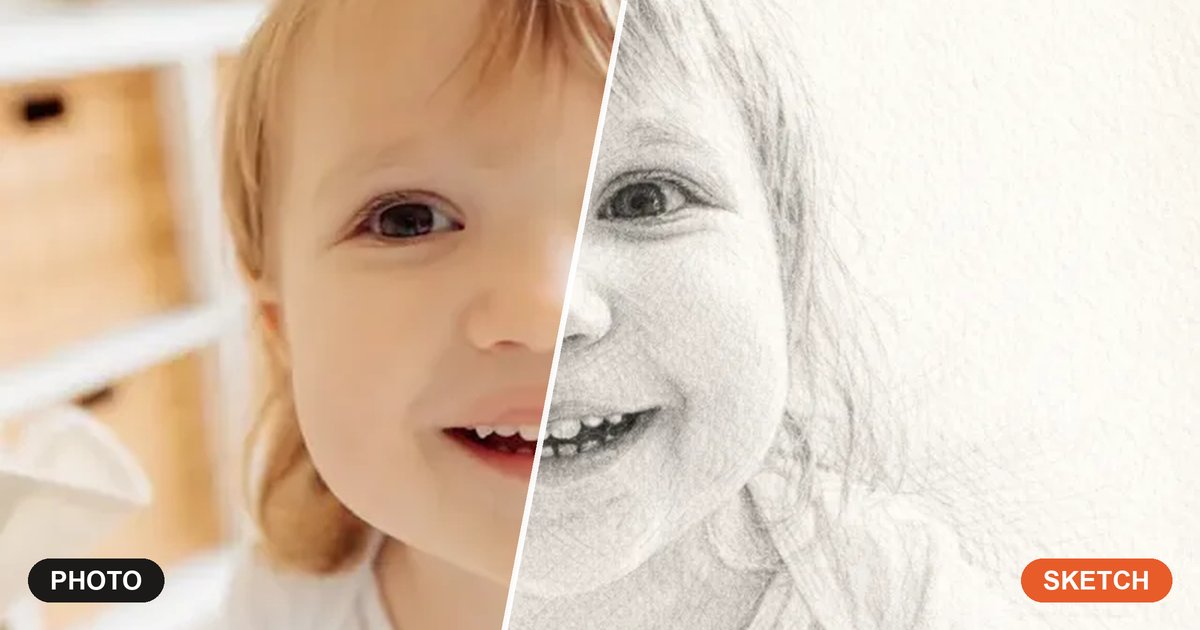
Photo to pencil sketch
Turn a photo into a soft, hand-drawn pencil sketch — a framable keepsake in under a minute, not line art's crisp outline.
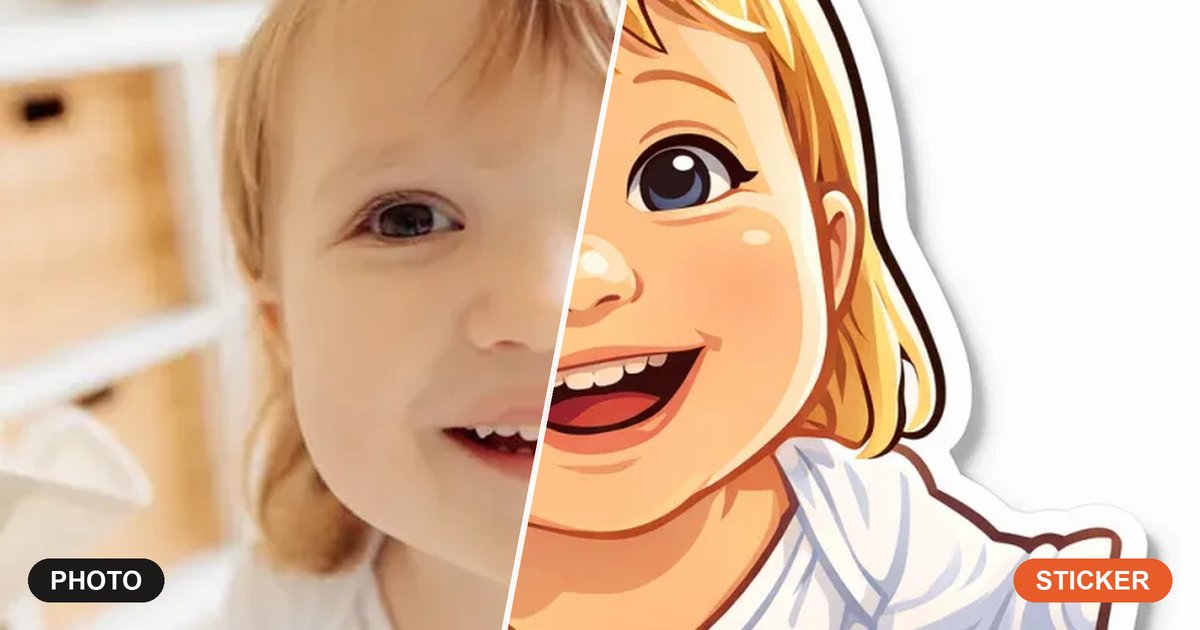
Photo to sticker
Turn a photo into a die-cut sticker with a bold outline and white border — printable sticker-sheet style.
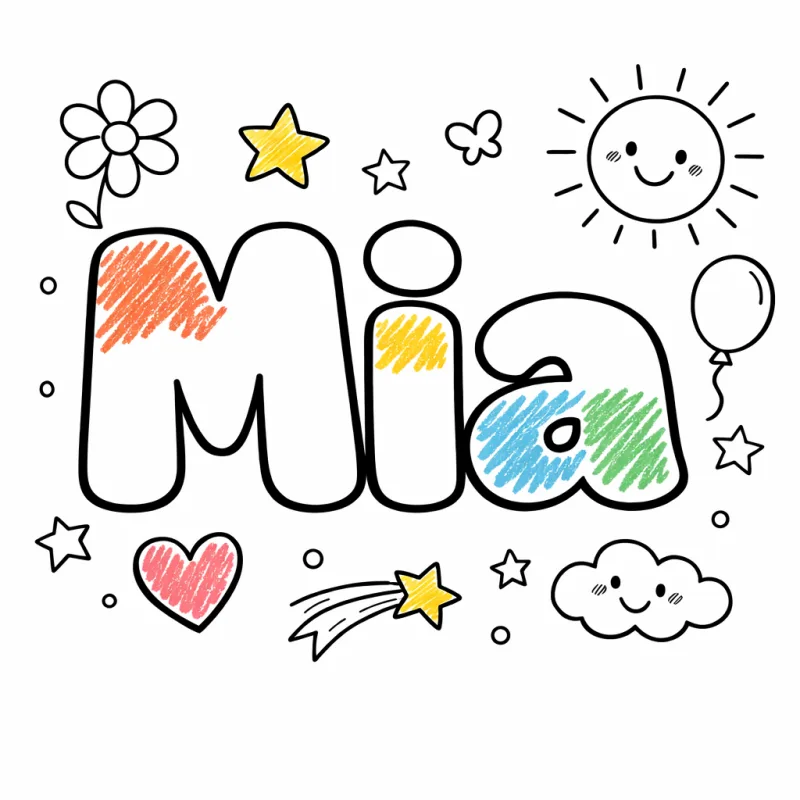
Free printable coloring pages
Browse 1,000+ ready-made, free printable coloring pages by theme — no photo or upload needed.
Make your own coloring book
Bundle your converted pages into a real print-fold-staple booklet — a party favor or personal gift.

Ready to convert your photo to line art?
It takes one photo and about twenty seconds. Convert your first one free — then print it, trace it, color it, or stitch from it.
Convert my photo to line artFree to start — no credit card, no account required.

