




Screens off, crayons out
Make a coloring page from a photo — free, in under a minute
Upload any picture and get a clean, printable coloring page from your photo in about 20 seconds. No app to install, no design skills, no account to try it. The kids color something they actually recognize.
Free to start — no credit card, no account required.
Make your coloring page now — no account needed
Drop in a photo and watch it become a printable coloring page in about 20 seconds.
Your coloring page is ready
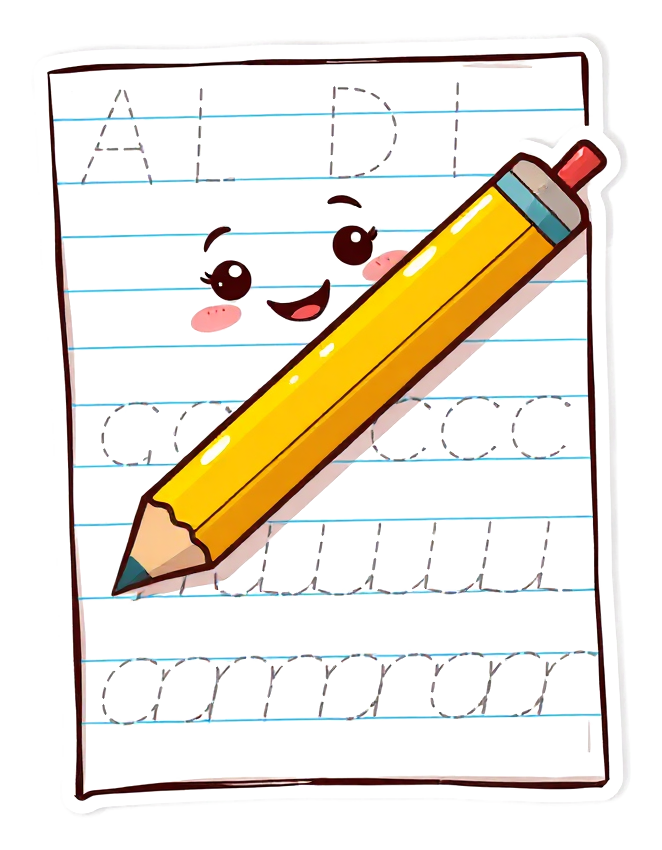
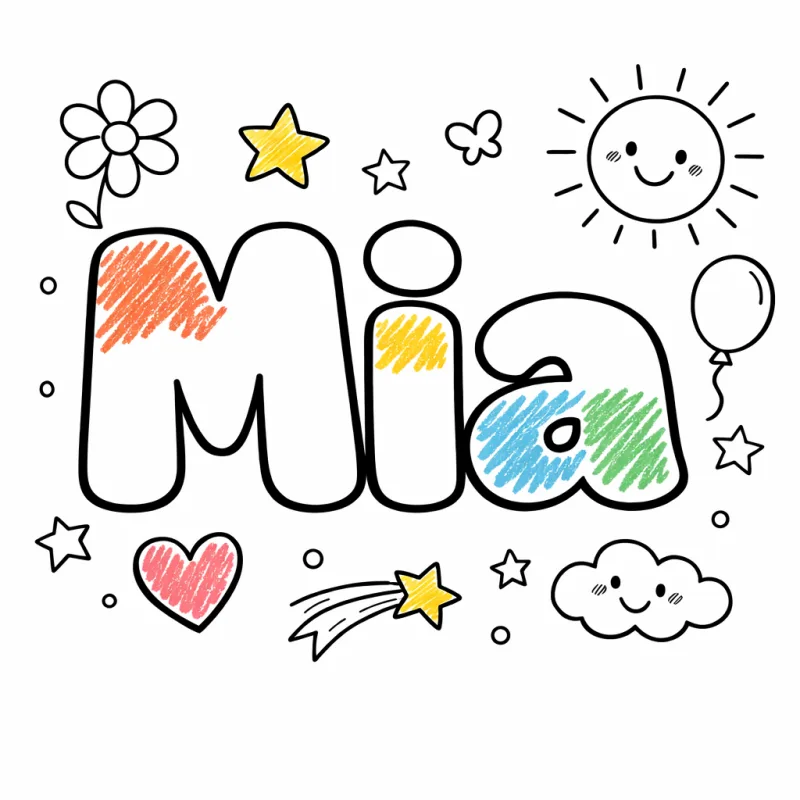
This one is free and unlimited — it's drawn right here from a font, so it can never run out. You're just making them faster than we serve them. Wait about a minute and try again.
You're making these faster than we can keep up. Nothing has been used up — wait about a minute and try again.
has no saved photo yet — .
Save your child
Save them once — every tool then makes personalized art just for them.
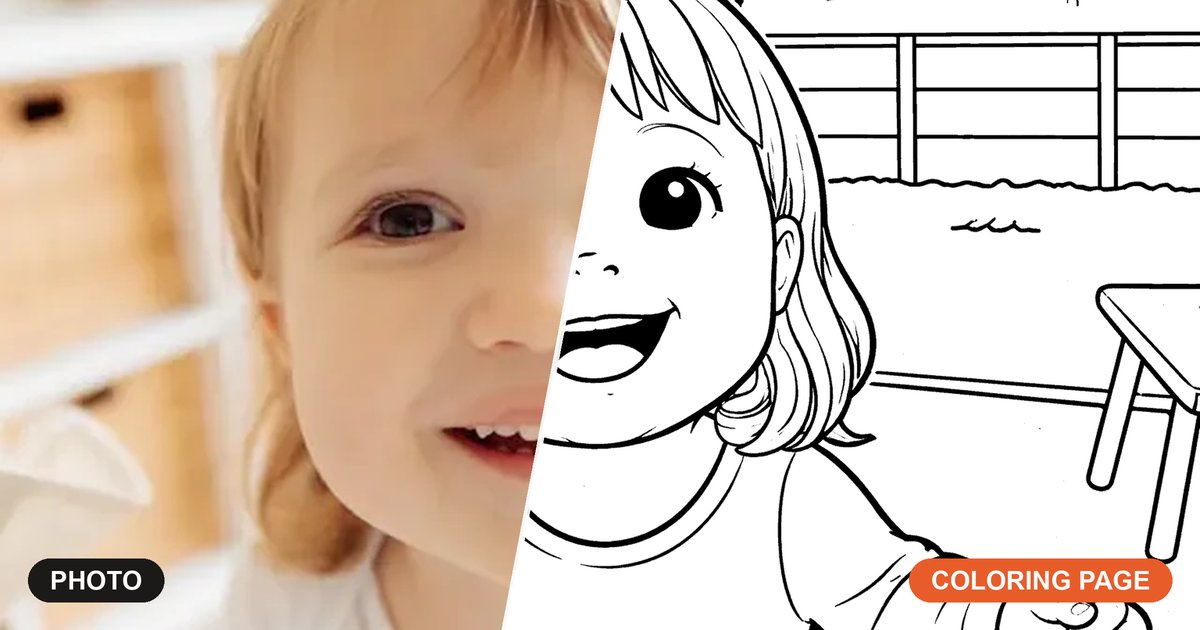
A coloring page from a photo beats a generic worksheet every time. When a child sees their own dog, their grandma, last summer's beach trip, or the drawing they made yesterday turned into a real coloring page, they lean in — because it's theirs. This tool does the line work for you: upload a picture and in about twenty seconds you have a print-ready black-and-white outline, with no Photoshop, no tracing by hand, and no waiting on an order to ship.
It's a photo-to-coloring-page maker built for parents, not designers. The lines come out bold and clean, so they print sharply on any home printer and are easy for little hands to stay inside. Make a single page for a quiet afternoon, or sign up free to save several photos and staple them into a custom coloring book — a party favor or grandparent gift that costs nothing but a sheet of paper. It's free to start, and your photos stay private.
How it works
Three steps from a phone photo to a page on the fridge.
-
1
Upload your photo
Pick any photo from your phone or computer — a pet, a grandparent, a favourite toy, a child's drawing, a holiday snap. Anything your kid would light up to color.
-
2
We turn it into a coloring page
The tool redraws your photo as a crisp black-and-white outline with bold, kid-friendly lines — no settings to fiddle with, no editing, no design skill needed.
-
3
Print it at home
Download a clean, print-ready page and run it off on any home printer. Hand over the crayons and you're done.
Everything a screen-free afternoon needs
Built for parents, not designers. Print in seconds, hand it over, enjoy the quiet.
Photo to coloring page in 20 seconds
Upload a picture and the tool draws the outlines for you — bold, clean lines, no Photoshop, no manual work, no waiting on an order.
Prints crisply at home
Pure black lines on white, sized for letter or A4. Works on any standard printer and won't drink your ink.
Free to start
Make coloring pages from your photos free every day, with no credit card. Upgrade only when you want more pages a day.
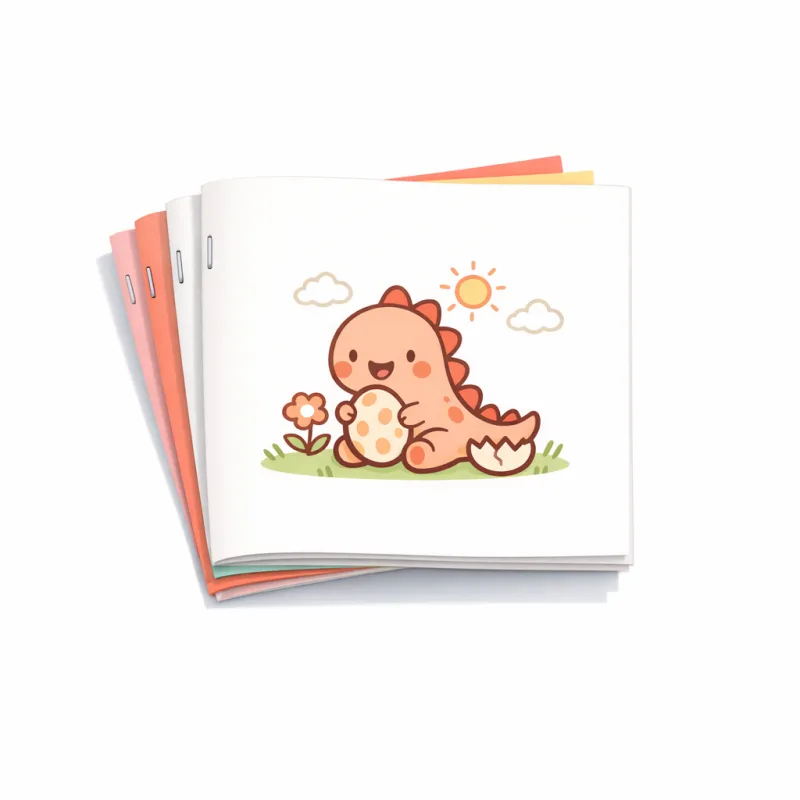
Bundle pages into a booklet
Save your favourite photo pages and staple them into a real multi-page coloring book — a birthday favor, a road-trip activity, a personal gift.
Your photos stay private
Your photos are used only to make your pages — never sold, shared, or used to train AI. Delete them from your library any time.
Personal and gift-ready
A coloring page made from a photo of the grandkids, the family dog, or a child's own art is a thoughtful gift that mails flat and costs almost nothing to give.
Made for the hard parts of the day
Restaurants. Waiting rooms. Rainy Saturdays. The 45 minutes before dinner.
Birthday party favors
Make coloring pages from a photo of the birthday kid — or the party theme — staple a few into a mini booklet, and you've got a favor every guest takes home. Cheaper than a goodie bag and far more personal.
Grandparent & keepsake gifts
Turn a family photo into a coloring page the kids can color in for grandma, or make a page from a child's own drawing as a one-of-a-kind keepsake. A thoughtful gift that costs the price of paper.
Rainy-day rescue
Stuck inside? Pull a photo off your phone, make a coloring page in minutes, and buy yourself a calm half hour. Screens off, crayons out — no trip to the store, no clip-art nobody recognizes.
See the kind of pages you'll make
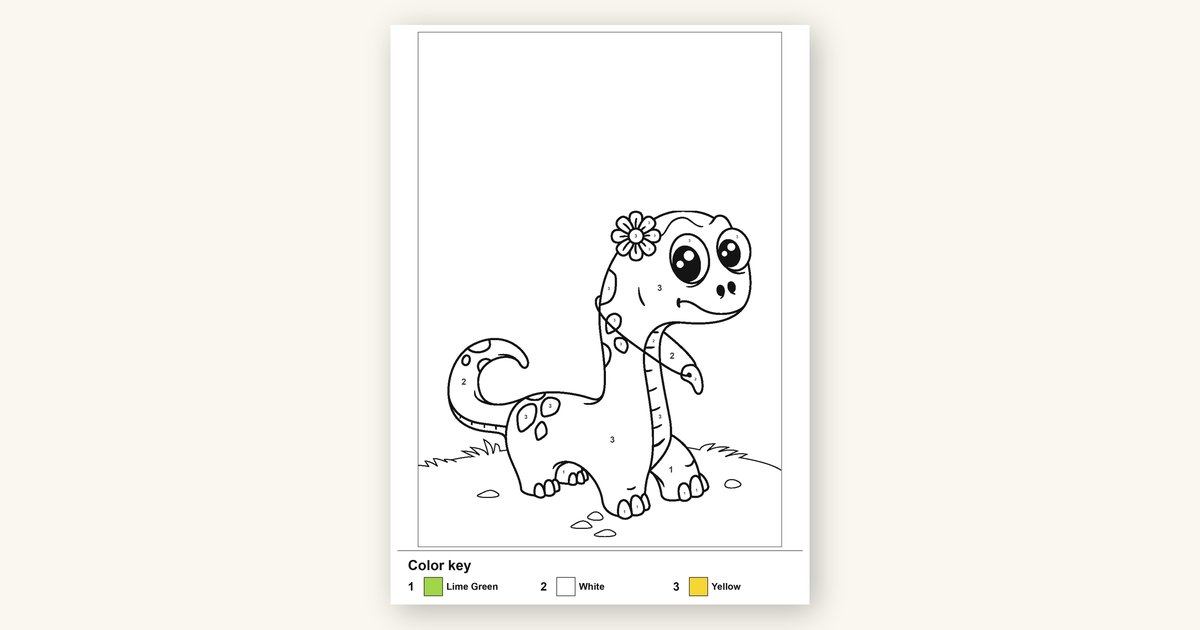
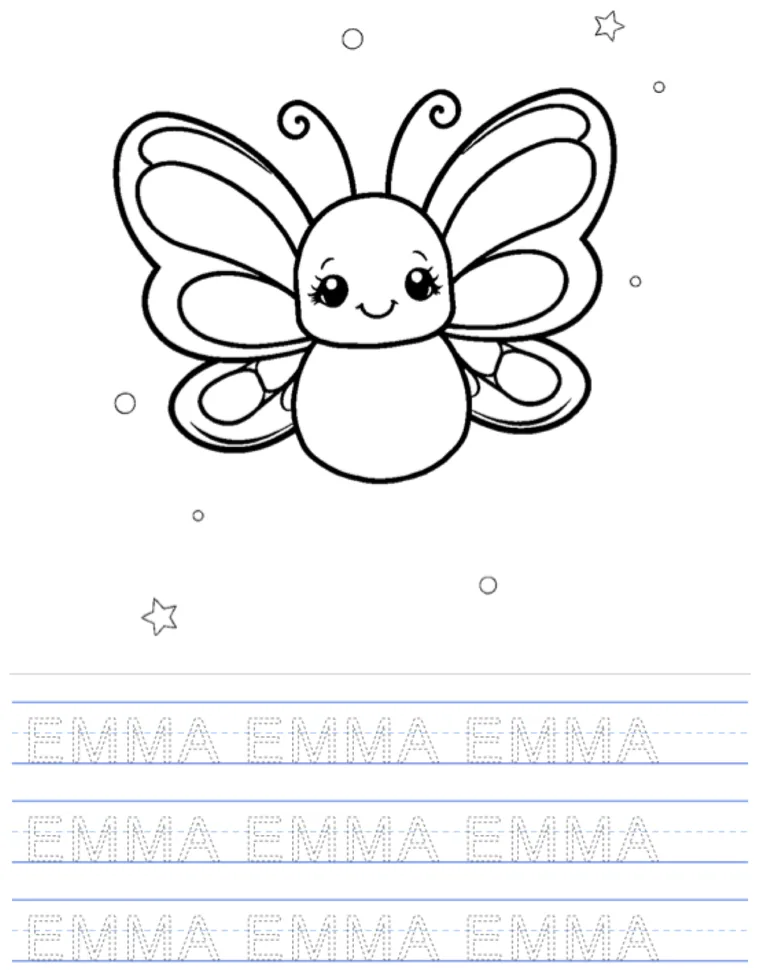
Real coloring pages with bold, easy-to-stay-inside lines — the kind little hands actually finish. The page you make from your own photo comes out the same way.
Print it out


Frequently asked questions
Everything parents ask before their first page.
How do I make a coloring page from a photo?
Is it free to make a coloring page from a photo?
How much does it cost?
How long does it take?
Will the coloring page print well at home?
What kinds of photos make the best coloring pages?
Do I need an account to make one?
Is my photo private?
Can I make a whole coloring book from my photos?
More ways to turn photos into printables
More screen-free printables for parents, all in one place.
Photo to pencil sketch
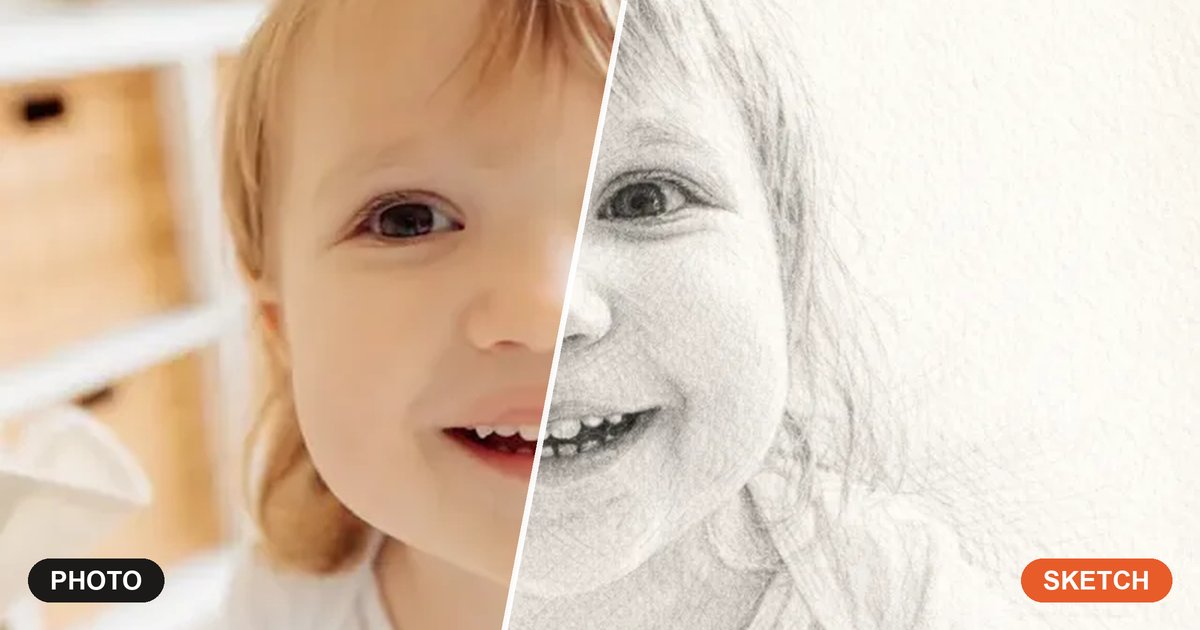
Turn any photo into a soft, hand-drawn pencil sketch — a framable keepsake in about twenty seconds.
Photo to line art
Convert a photo into clean single-weight line art — perfect for prints, tracing, and crafts.
Coloring book maker
Bundle your photo coloring pages into a real print-fold-staple booklet — a party favor or gift.
Free printable coloring pages
Browse a growing library of ready-made, free printable coloring pages by theme — no photo or upload needed.
Coloring pages for toddlers
Big, bold, simple outlines made for the littlest hands — print a stack in under a minute.

Ready to make a coloring page from your photo?
It takes one photo and about twenty seconds. Make your first page free — then save it, print it, and turn it into a booklet whenever you like.
Turn my photo into a coloring pageFree to start — no credit card, no account required.
